Man Talk may earn a commission when you buy through links on this page. That never changes what gets recommended, and it never changes the price you pay.
Best Retro Gaming Handhelds Under $50
The best retro handheld under $50 in 2026 is the R36S, which sells for around $45 and includes dual analog sticks. The Anbernic RG28XX (around $40) is the pick for true pocket carry. The Powkiddy RGB30 (around $50) offers a square screen built for Game Boy libraries. Every device in this guide runs Game Boy, NES, SNES, and Genesis games cleanly, and most handle PS1. That is a remarkable amount of gaming for less than a night out. The catch is that this price tier is where clones, fakes, and quality lotteries live. Some listings sell counterfeit hardware with worse screens under trusted names. This guide compares seven devices that the retro handheld community actually recommends, plus the traps to step around. The comparisons rest on published specs and documented owner consensus, not marketing copy. Approximate street prices are used throughout, since these devices swing by $10 or more week to week. By the end you will know which sub-$50 handheld fits your games, your pockets, and your tolerance for setup work.
The picks at a glance
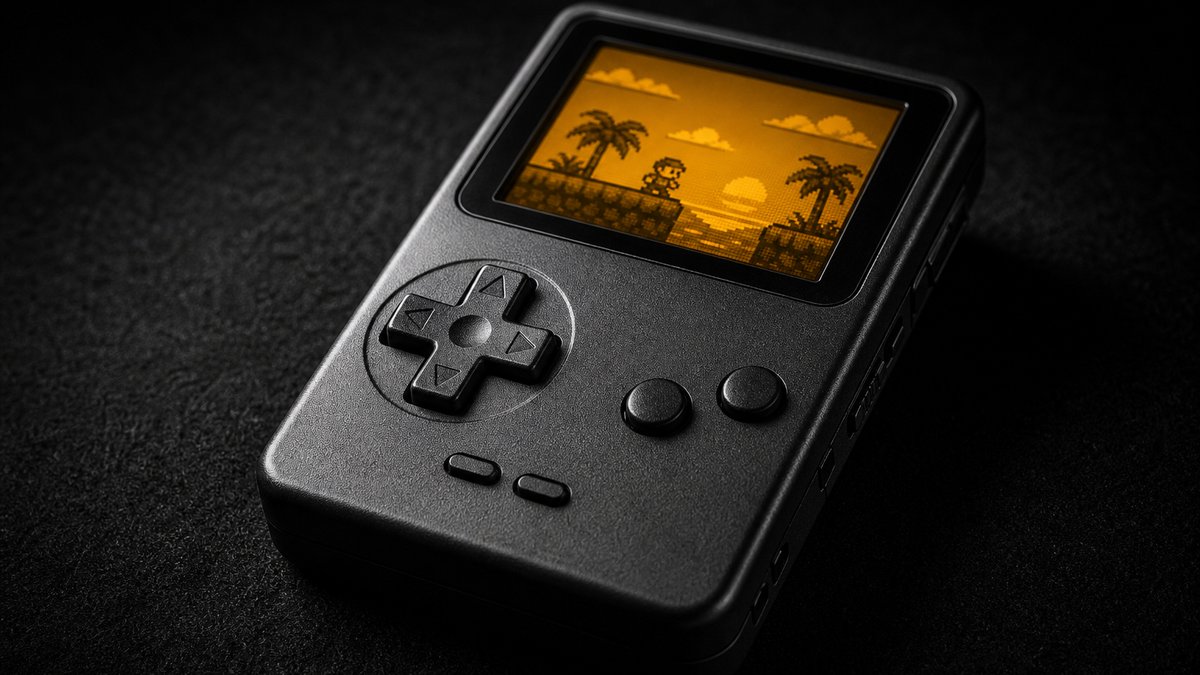
Seven retro gaming handhelds under $50 stand out in 2026. They are the R36S, Anbernic RG28XX, Anbernic RG35XX, Powkiddy V90, Powkiddy RGB30, MagicX XU10, and MagicX Mini Zero 28 V2. Each covers a different priority: analog sticks, pocket size, nostalgia, rock-bottom price, screen shape, cheap capability, or drift-proof sliders.
| Device | Typical price | Best for | Screen | Firmware |
|---|---|---|---|---|
| R36S | ~$45 | Best all-rounder, analog sticks | 3.5" IPS, 640×480 | ArkOS |
| Anbernic RG28XX | ~$40 | True pocket carry | 2.83" IPS, 640×480 | MuOS, Knulli |
| Anbernic RG35XX (2024) | ~$45 | Game Boy nostalgia | 3.5" IPS, 640×480 | MuOS, Knulli |
| Powkiddy V90 | ~$30 | Cheapest clamshell | 3.0" IPS | Stock (limited) |
| Powkiddy RGB30 | ~$50 | Perfect Game Boy screen | 4.0" IPS, 720×720 | ROCKNIX |
| MagicX XU10 | ~$30 | Cheapest real emulation | 3.5" IPS, 640×480 | Stock, ROCKNIX |
| MagicX Mini Zero 28 V2 | ~$40 | Hall Effect sliders, 3D reach | Small high-density IPS | Android (MinOS) |
Prices in this tier move constantly, and flash sales can shift the math overnight. A $50 device on sale for $42 changes which pick makes sense. Treat every number above as a typical street price, not a guarantee. The recommendations themselves hold steady regardless of a few dollars in either direction. The staff behind Man Talk bring more than 35 years of combined video game experience to these picks.
How these picks were chosen
Every pick had to clear four bars. The bars: a real community firmware option, solid 16-bit performance at minimum, tolerable build quality, and a documented track record in owner reviews. Man Talk built this list from published specifications and the recorded consensus of the r/SBCGaming community and specialist outlets.
The sub-$50 tier needs stricter filtering than any other price bracket. It is crowded with white-label devices that exist only to fill marketplace search results. Many ship broken software, dim screens, or batteries that fade within months. Community testing separates the seven devices here from the dozens that look identical in listings. Where marketing claims and owner reports disagree, this guide sides with the owners.
No first-person testing claims appear here. When a spec or a behavior needs a source, it comes from documented owner reports and published reviews. Prices were sanity-checked against manufacturer stores and current marketplace listings during research.
R36S: the best all-rounder under $50 (~$45)
The R36S is the strongest overall retro handheld under $50, at around $45. It is the only device in this tier with dual analog sticks, which opens the door to N64 and PSP libraries.
The 3.5-inch IPS screen runs at 640×480, the 4:3 shape that matches how classic consoles drew their games. Inside sits a quad-core Rockchip RK3326, an older chip with years of emulation development behind it. Everything through PS1 runs cleanly, per community compatibility threads. N64 and PSP are entry-level rather than smooth, with stutter in demanding titles.
The community firmware is ArkOS, a mature project that replaces the rough stock menus. The 3500mAh battery is commonly reported at around five to six hours of play. Build quality is acceptable for the price, and owner reports note looser buttons than the Anbernic equivalents. As a first device, a loaner, or a glovebox spare, it is the easy answer. One habit is worth forming before checkout: vet the seller, because this device is cloned more than any other. The clone section below covers how to spot the fakes.
Anbernic RG28XX: the true pocket pick (~$40)
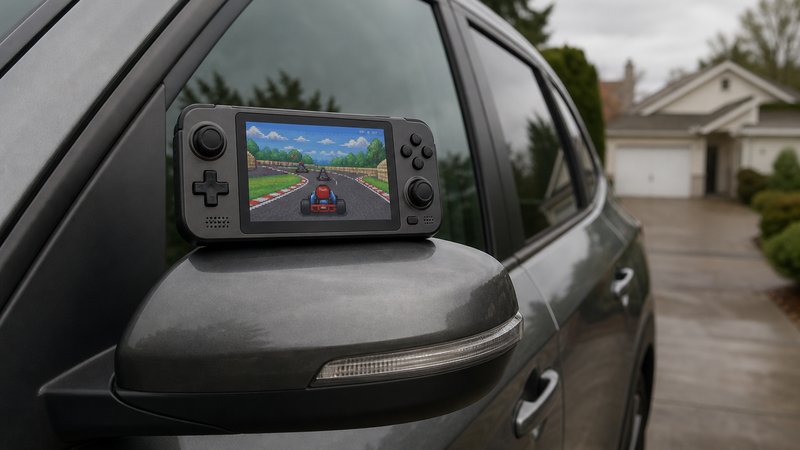
The Anbernic RG28XX is the smallest credible handheld in this guide, at around $40. Its 2.83-inch 640×480 IPS panel packs the same pixel count as screens an inch larger, so games look unusually sharp.
The chip is the Allwinner H700, the same processor Anbernic uses in devices costing nearly twice as much. That means clean performance through PS1 and playable results in some lighter 3D titles. MuOS and Knulli both support it, giving buyers two active community firmware options. A mini HDMI port sends video out to a TV, a rare feature at this size and price. Anbernic has listed it around the $40 mark on its official store, with marketplace prices drifting either side of that.
The size is the trade-off as well as the selling point. There are no analog sticks, so N64 and PSP are effectively off the menu. Owners with larger hands report cramping in sessions past an hour. As a coat-pocket device for Game Boy through PS1, nothing else under $50 matches it. Published reviews consistently land on the same verdict: a genuinely tiny body with real PS1 capability.
Anbernic RG35XX (2024): the Game Boy shape (~$45)
The 2024 Anbernic RG35XX puts the H700 chip in a vertical body styled after the original Game Boy, for around $45. It is the nostalgia pick, and the most polished vertical option at this price.
The 3.5-inch 640×480 IPS panel matches the class standard, and performance mirrors the RG28XX because the chip is identical. Game Boy through PS1 runs without drama. The vertical layout puts the screen above the controls, exactly like the hardware it imitates. For 8-bit libraries and turn-based RPGs, that shape still works beautifully.
Firmware support comes from the same MuOS and Knulli projects that cover the rest of the RG35XX family. The trade-offs are the vertical format's usual ones. Shoulder buttons sit at an angle some owners dislike, and there are no analog sticks. Against the Miyoo Mini Plus, the natural rival, it costs less and gives up the celebrated OnionOS experience. The clone warnings later in this guide apply to bargain listings for this model too.
Powkiddy V90: the $30 clamshell
The Powkiddy V90 is the cheapest device worth buying, at around $30. It folds shut like a Game Boy Advance SP, which makes it the only screen-protecting clamshell anywhere near this price.
The 3-inch IPS screen sits behind a hinge that guards it in a bag or a junk drawer. Two microSD slots separate system storage from game storage, a feature missing on devices costing twice as much. The battery is a removable BL-5C cell, the old Nokia phone standard, so spares cost a few dollars. That kind of swappable battery is nearly extinct in modern handhelds.
The limits are firm. The chip comfortably covers Game Boy, NES, SNES, and Genesis, but PS1 is inconsistent and best skipped. Buttons are serviceable rather than satisfying, per owner reviews, and the stock software stays basic. As a gift for a kid, a stocking stuffer, or a beater device, the math is hard to argue with. Just keep expectations parked at the 16-bit era, where this little machine genuinely delivers.
Powkiddy RGB30: the square screen special (~$50)
The Powkiddy RGB30 sits right at the $50 line with a 4-inch 720×720 square screen. Game Boy, Game Boy Color, and Game Boy Advance titles fill it nearly edge to edge, with crisp native pixels.
That 1:1 panel is the entire pitch. Square and near-square systems render with no scaling blur, and 4:3 consoles still display larger than on most rivals here. The Rockchip RK3566 inside is the most capable chip in this guide. PS1 runs at full speed, and a meaningful slice of N64, Dreamcast, and PSP titles reach playable territory with the analog sticks on board.
WiFi and Bluetooth are included, which nothing else at this price offers. The community firmware of choice is ROCKNIX, the successor to the retired JELOS project. The catch list: no HDMI output, middling stock software, and a body too wide for most pockets. Battery reports are mixed, with runtimes swinging widely by emulated system. For Game Boy devotees, the screen alone justifies the whole device.
MagicX XU10: real emulation at rock bottom (~$30)
The MagicX XU10 sells for around $30, with manufacturer sales dipping near $20. It pairs a 3.5-inch 640×480 IPS screen with the Rockchip RK3326, the same chip as the R36S.
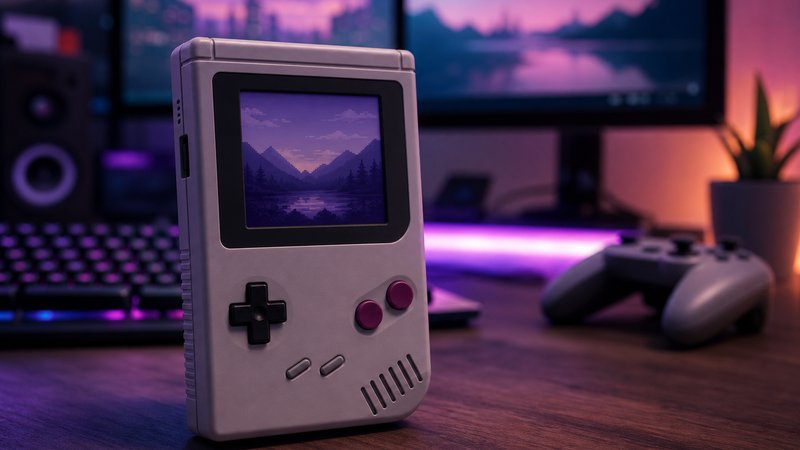
The XU10 is a vertical device from MagicX, a brand retro press coverage has tied to Powkiddy. Reviewers consistently praise the rounded shell and teardrop d-pad as unusually comfortable for the money. Published spec sheets list 1GB of RAM and a 3000mAh battery rated around six to eight hours. Performance lands where the chip predicts. Everything through PS1 runs cleanly, and the maturing stock software pulls playable results from lighter N64, Dreamcast, and PSP titles.
ROCKNIX covers buyers who prefer community firmware over the stock menus. Ordering direct from the manufacturer's store sidesteps the clone lottery entirely, a real advantage at this price. The trade-offs are honest ones. There is no WiFi, the shell feels light and hollow per owner reports, and the panel is average rather than striking. There are no analog sticks either, so 3D control stays awkward. As a gift or a low-risk first device, it competes with the V90 while emulating far more.
MagicX Mini Zero 28 V2: the Android outlier (~$40)
The MagicX Mini Zero 28 V2 runs Android on an Allwinner A133P chip with 2GB of RAM, for around $40. It is the only device in this guide with Hall Effect analog sliders, a design that cannot develop stick drift.
The flat 3DS-style sliders sit flush with the body, so nothing snags on a pocket. That gives it the RG28XX's everyday-carry pitch with genuine analog control added. Published reviews report clean PS1 and DS play, plus deeper reach into N64, Dreamcast, and PSP than the RK3326 devices manage. Built-in WiFi handles updates, and a screen protector ships in the box.
The compromises live in the software and the screen. Android without a touchscreen means menus lean on a virtual cursor, which reviewers describe as fiddly. The bundled MinOS interface and hotkey shortcuts soften the friction, but setup asks more patience than ArkOS or MuOS. The small screen renders unusually sharp, though games designed for televisions can be hard to read on it. Widescreen PSP titles feel cramped for the same reason. For drift-proof analog control and extra 3D headroom under $50, nothing else here comes close.
Clones, fakes, and the Miyoo Mini problem
The sub-$50 tier is the most counterfeited corner of the handheld market. R36S clone listings with inferior screens are widespread, and suspiciously cheap Miyoo Mini listings are frequently fakes. Careful seller selection matters more here than at any other price.
The pattern repeats across marketplaces. A legitimate device gets popular, then factories flood listings with lookalikes that copy the shell but not the components. Clone R36S units are documented with washed-out panels that standard ArkOS images cannot always drive correctly. Fake Miyoo listings trade on the brand's reputation while shipping different hardware entirely.
The defenses are boring and effective. Buy from a manufacturer's official store or from a seller with a long, recent review history. Treat any price far below the typical street price as a warning rather than a win. Check that listing photos match the manufacturer's own product images. The r/SBCGaming community maintains ongoing threads identifying clone sellers, and a five-minute search there before ordering pays for itself.
Should you stretch your budget for the Miyoo Mini Plus?
Maybe, and the honest answer comes down to about $15. The genuine Miyoo Mini Plus typically sells for around $60 to $65, just past this guide's line. That extra money buys OnionOS, widely regarded as the most polished firmware on any budget handheld. The full case for it lives in the Man Talk guide to the best retro gaming handhelds under $100. If pocket size and software polish top your list, the stretch is defensible. If the budget is firm, the RG28XX delivers most of that experience for roughly $20 less.
What about the TrimUI Smart Pro?
The TrimUI Smart Pro hovers just above this bracket, typically around $50 to $60. When a sale pulls it under $50, it becomes the best big-screen value in the class. The 4.96-inch 1280×720 display dwarfs everything in this guide, and CrossMix OS gives it strong community firmware. Watch the naming trap, though. The newer Smart Pro S is a different device that launched at roughly $100. For readers who catch the original on sale, grabbing it is a reasonable call.
Alternatives considered and rejected
Several familiar names were cut from this guide on purpose. The cuts: R36S spin-offs, the RG351 line, the original 2022 RG35XX, the Powkiddy RGB20S, the Data Frog SF2000, and every game-count marketplace special.
The R36S spin-offs deserve the longest explanation. Success turned the R36S name into a product category rather than a single product. Marketplaces now carry devices labeled R36S Pro, R36 Max, R36T, and similar names. Community reporting ties these to different factories with different boards, screens, and software. Buying one means gambling on hardware that ArkOS may not support and testers have not vetted. The panel problem compounds the risk. R36S-branded units have shipped with multiple screen revisions, which is why firmware guides insist on identifying the panel before flashing. A familiar name plus a new suffix is not a sequel. Until the community vets a variant, the original R36S from an established seller stays the only version worth buying.
The older devices fell to simple math. The Anbernic RG351 line uses the same RK3326 chip as the R36S at higher historical prices, with no advantage left. The original 2022 RG35XX ran a weaker chip than the current revision, and firmware attention moved on. The Powkiddy RGB20S, another RK3326 device, lost its slot to the R36S on price. The TrimUI Brick sits around $80 and belongs in the under-$100 conversation instead.
The bottom shelf got cut for a different reason. The Data Frog SF2000 costs around $20 and looks like free money. Owner reports document rough emulation accuracy and persistent audio complaints, so it stays off the list. Devices advertised by game count, the "plays 20,000 games" listings, share the same weakness in a different shell. A preloaded library signals a factory that invested in a ROM pack instead of hardware. The reliable quality marker at this price is active community firmware, and these devices attract little of it.
What $50 buys and what it does not
Every device here except the Powkiddy V90 runs Game Boy through PS1 well. N64 and PSP need the analog sticks on the R36S or RGB30, and results stay entry-level. PS2, GameCube, and anything newer are completely out of reach at this price.
| System | Powkiddy V90 (~$30) | $40–$50 tier |
|---|---|---|
| Game Boy / GBC / GBA | Great | Perfect |
| NES / SNES / Genesis | Great | Perfect |
| PS1 | Inconsistent | Good to perfect |
| Nintendo DS | No | Playable with tweaks |
| N64 | No | Sticks or sliders required, entry-level |
| Dreamcast | No | Hit or miss |
| PSP | No | Some lighter titles |
| PS2 / GameCube | No | No |
The MagicX pair needs a footnote here. The XU10 costs V90 money but performs with the $40 to $50 group, since it shares the R36S chip. The Zero 28 V2 reaches deeper into N64, Dreamcast, and PSP than anything else in this guide, per published reviews.
Reliable PS2 and GameCube play starts around $150 in Snapdragon-class devices, a full tier up. Anyone whose dream library lives on those consoles should save for that tier instead of buying twice.
Can a $50 handheld really run PS1 games?
Yes, and comfortably, on the H700 and RK3326 devices in this guide. PS1 emulation is old, efficient, and thoroughly optimized, so modest chips handle it at full speed. Community compatibility lists show the overwhelming majority of the PS1 library running cleanly. The exceptions are a handful of demanding 3D titles that benefit from per-game settings. The V90 is the one device here that should be treated as a 16-bit machine.
How sub-$50 devices cut costs
Three savings make the sub-$50 price real: aging chips bought at scale, commodity screen panels from rotating suppliers, and minimal quality control and support. Each saving surfaces somewhere in the owner experience.
The chips come first. The RK3326 inside the R36S and XU10 has powered budget handhelds since the Odroid Go Advance era around 2020. A processor design that old costs a small fraction of a current mobile chip. Emulation rewards the age, because developers have spent years tuning software for these exact parts. The Allwinner H700 and A133P follow the same playbook: proven, plentiful, and cheap in volume.
The screens explain the panel lottery. A 3.5-inch 640×480 IPS panel is a commodity component made by many suppliers. Budget factories buy whichever compatible panel costs least during a given production run. That is exactly why R36S units ship with several panel revisions that need matching firmware. A name-brand device locks in one panel and tunes colors and drivers around it. Laminated glass, wide color coverage, and high brightness all start above this tier.
The last saving stays invisible until something goes wrong. These factories carry no marketing budget, thin warranty coverage, and sometimes no software team at all. Button feel, hinge tension, and battery quality vary more unit to unit than in premium lines. Community firmware fills the software gap for free, which is the trade that makes the tier work. Marketplace return windows, not manufacturer warranties, are the practical protection at this price. The buyer's side of the deal: tolerate small roughness, return genuine defects fast, and lean on community documentation.
Five setup steps before you play anything
Five steps turn a rough budget handheld into a polished one. The steps: replace the microSD card, verify the hardware revision, install community firmware, source games legally, and add basic protection.
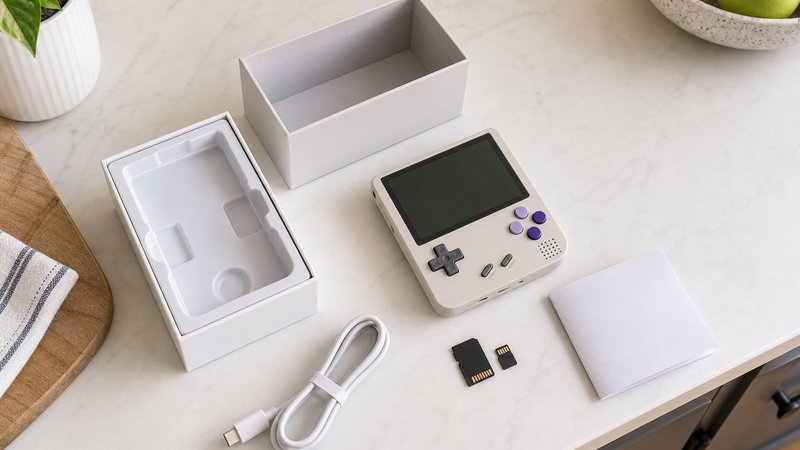
- Replace the bundled microSD card. Preloaded cards are slow, no-name units and the most reported failure point in owner communities. The Man Talk guide to the best microSD cards for retro handhelds covers specific picks and sizes.
- Verify the hardware revision. The R36S in particular has shipped with several different screen panels, and the firmware image must match the panel. Model-specific community wikis document how to check before flashing.
- Install the community firmware. ArkOS for the R36S, MuOS or Knulli for the Anbernic devices, and ROCKNIX for the RGB30 and XU10. Each install is a documented, reversible microSD flash that takes under half an hour. The Zero 28 V2 ships with Android and skips the flash.
- Source game files legally. Backing up cartridges and discs you own is the defensible route. Downloading games you never bought is piracy, whatever the marketplace listings imply.
- Add cheap protection. A tempered glass protector for the open-faced devices and a small zip case together cost under $15. The V90 skips the protector, since its hinge already does that job.
Common first-buyer mistakes
Six mistakes cause most bad first purchases. The list: buying the cheapest listing, keeping the bundled microSD card, expecting PS2 power, flashing blind, ignoring form factor, and shopping by advertised game counts.
- Buying the cheapest listing of a popular name. Clone factories target exactly this instinct. A price far under the typical street price is the single most reliable fake indicator. The official store or a long-established seller costs a few dollars more and removes the gamble.
- Keeping the bundled microSD card. Preloaded cards remain the most reported failure point in owner communities. A dead card takes saves and setup hours with it. Budget a quality card from a known brand into the purchase price.
- Expecting PS2, GameCube, or Switch performance. No sub-$50 device touches those systems, whatever a listing claims. That capability starts around $150 in a higher chip class. Buyers who want it should save once rather than buy twice.
- Flashing firmware without checking the hardware revision. The wrong image on the wrong panel produces a black screen and a support thread. Model wikis document the check, and it takes five minutes. The R36S is the classic example, with several panel versions in circulation.
- Ignoring form factor. A vertical body cramps large hands past the hour mark, per repeated owner reports. N64 and PSP need sticks or sliders, which rules out half this list. Matching the shape to the library matters as much as the chip.
- Shopping by advertised game counts. A "20,000 games included" listing is a red flag, not a feature. Preloaded ROM packs are legally murky and usually badly curated. Active community firmware is the marker that predicts a good device.
Every mistake on this list traces back to treating the tier like ordinary electronics. It is closer to a hobbyist market with hobbyist rules. Ten minutes of community reading before checkout beats any spec sheet comparison.
Which one should you actually buy?
Buy the R36S if you want the most capable all-rounder. Buy the RG28XX for pocket carry, the RG35XX for Game Boy nostalgia, and the RGB30 for the perfect Game Boy screen. At $30, pick the XU10 for range or the V90 for its hinge. Buy the Zero 28 V2 for drift-proof analog control.
A simpler filter: decide whether N64 or PSP actually matters to you. If yes, the R36S, RGB30, and Zero 28 V2 are the only real candidates here. If PS1 and older covers it, pick by shape instead, meaning pocket size, vertical nostalgia, or that square screen. Buyers leaning toward more power should step up a tier, where N64 and Dreamcast get properly comfortable. The under-$100 guide linked above walks that tier device by device.
New budget models land nearly every month, and this tier changes faster than any other. The Man Talk retro handhelds section tracks new releases and follow-up guides as they publish. The about page explains how recommendations get made here. Current official pricing and specs for the RG28XX and RG35XX line are published at Anbernic's official site.
Frequently asked questions
Is a $50 retro handheld good enough as a first device?
Yes, for most people it is the smart starting point. Everything from Game Boy through PS1 runs well at this price, which covers the libraries most buyers actually play. Spending more only makes sense once you know you want N64, Dreamcast, or PSP support.
How do you avoid buying a clone or fake handheld?
Buy from the manufacturer's official store or an established seller with recent positive reviews. Check that packaging photos match official product images. Prices far below the typical street price are the biggest warning sign. The R36S and Miyoo Mini lines are the most heavily cloned devices.
Do these handhelds need WiFi or an internet connection?
No. Games load from a microSD card and play fully offline, which is part of the appeal. Some models in this price range skip WiFi entirely. Where WiFi exists, on devices like the Powkiddy RGB30, it mainly handles firmware updates and optional multiplayer features.
Why is the R36S so cheap compared to name-brand handhelds?
The R36S comes from a small factory using an older Rockchip processor that costs very little at scale. There is no marketing budget, no official firmware team, and minimal support. The community fills those gaps with ArkOS, which is why the value holds up despite the price.