Man Talk may earn a commission when you buy through links on this page. That never changes what gets recommended, and it never changes the price you pay.
Best MicroSD Cards for Retro Handhelds
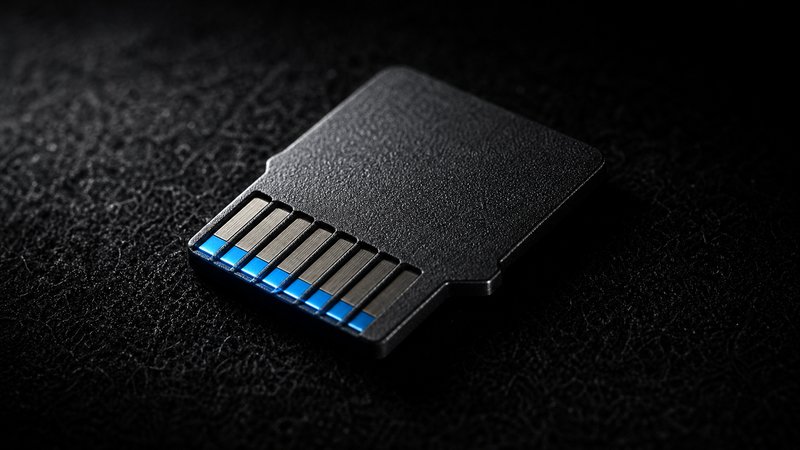
The best microSD card for retro handheld gaming in 2026 is the Samsung EVO Select, at around $20 for the 256GB size. The SanDisk Ultra 64GB, around $10, covers budget devices that stop at PS1. The Samsung PRO Plus and SanDisk Extreme handle larger libraries and Android handhelds. Every pick carries an A1 or A2 rating, which guarantees the random read speed that menus and save states depend on. That rating matters more than the big megabytes-per-second number printed on the box. This guide compares the four cards worth buying, in sizes from 64GB to 1TB. It also covers the two problems that ruin most first setups. The first is counterfeit cards, which flood every marketplace and quietly fail once filled. The second is formatting, since most Linux-based handhelds still expect FAT32. Free tools solve both, and the sections below show exactly how to use them. The recommendations rest on published specifications and the documented consensus of the retro handheld community, not marketing copy. By the end you will know which card fits your device, your library, and your budget.
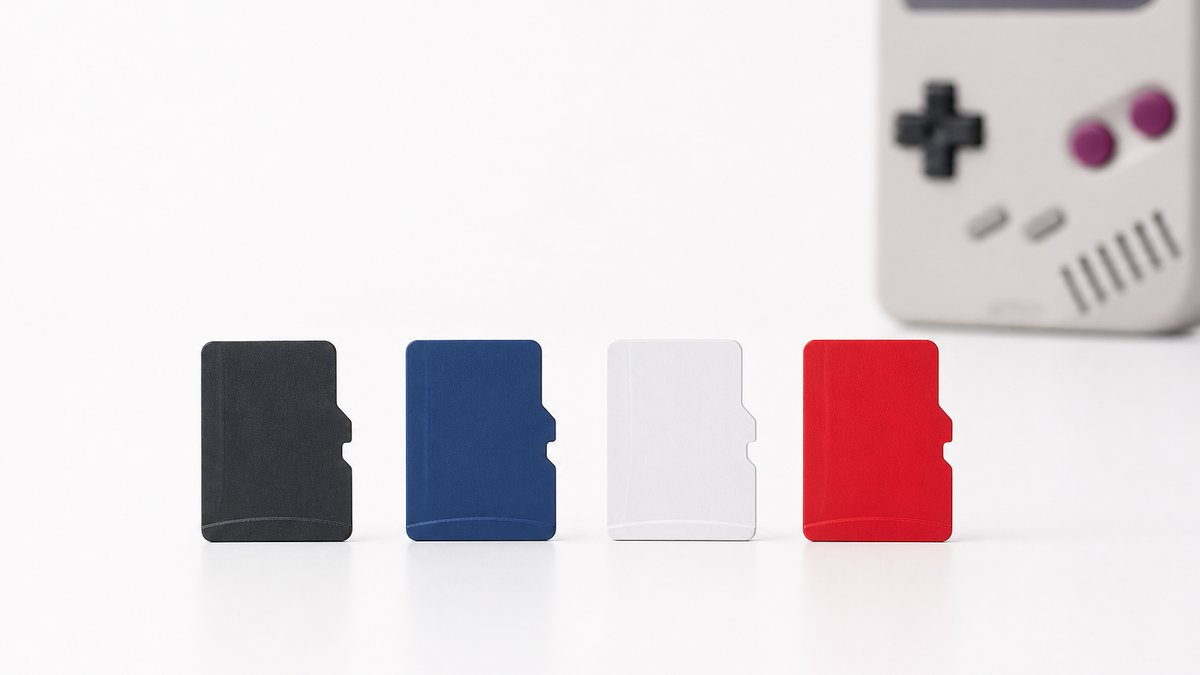
The picks at a glance
Four microSD cards cover every retro handheld worth owning in 2026. They are the Samsung EVO Select, SanDisk Ultra, Samsung PRO Plus, and SanDisk Extreme. Each wins a specific pairing of device, library size, and budget rather than an overall crown.
| Card | Typical price | Best for | Rating | Sweet-spot size |
|---|---|---|---|---|
| Samsung EVO Select | ~$20 (256GB) | Most handhelds, most people | A2 | 256GB |
| SanDisk Ultra | ~$10 (64GB) | Budget devices through PS1 | A1 | 64GB |
| Samsung PRO Plus | ~$25 (256GB) | Large multi-system libraries | A2 | 256GB to 512GB |
| SanDisk Extreme | ~$60 (512GB) | Everything on one card | A2 | 512GB to 1TB |
Memory prices swing with the flash market, sometimes by several dollars in a week. Treat the numbers above as typical street prices, not guarantees. Sales on these four cards appear constantly, so patience usually saves a few dollars.
How these picks were chosen
Every pick had to pass three tests. The tests: an official A1 or A2 rating, a documented reliability record in handheld owner communities, and availability from first-party sellers. Man Talk built this list from published SD Association specifications and community consensus, not from paid placements.
That screening matters more for storage than for almost any other accessory. The microSD market is flooded with unbranded cards, relabeled factory rejects, and outright fakes. A card can fail weeks after install and take every save file with it. Community reports, not spec sheets, reveal which cards survive the constant small writes that emulation firmware produces. Where owner consensus disagrees with marketing claims, this guide sides with the owners. The staff behind Man Talk bring more than 35 years of combined video game experience to these picks. No first-person testing claims are made here. When a claim needs a source, it comes from published specifications and documented owner reports.
Samsung EVO Select: the default pick (~$20)
The Samsung EVO Select is the card to buy when no special case applies. The 256GB version costs around $20, carries an A2 rating, and handles every system a budget handheld can emulate.
The A2 rating is the headline. It guarantees at least 4,000 random read and 2,000 random write operations per second. Random access is exactly the pattern that firmware menus, box art scraping, and save states produce. Samsung's own NAND sits underneath, which is why owner communities treat this card as the safe answer. Capacities run up to 512GB, and the 128GB size drops to roughly $13.
The trade-offs are minor. Samsung publishes no terabytes-written endurance figure, so heavy save-state users have no official number to lean on. Sequential speed barely matters here, since handheld card slots cap transfer rates well below what the card can deliver. For a first card, or a replacement for a failed one, this is the shortest path to done.
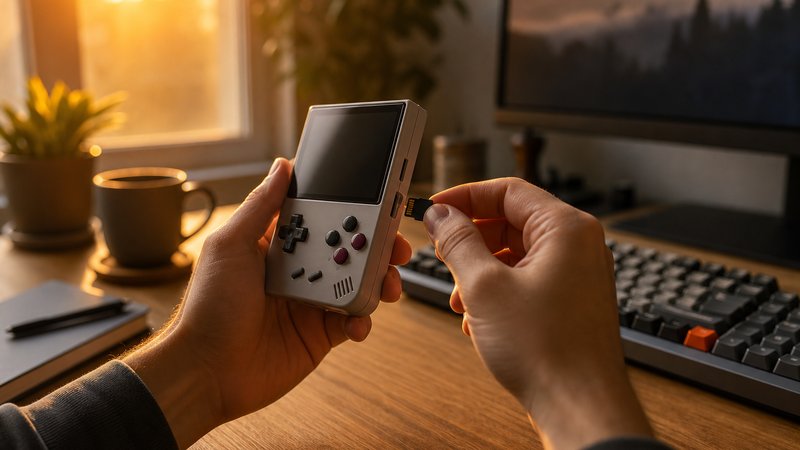
SanDisk Ultra: the budget pick (~$10)
The SanDisk Ultra 64GB costs around $10 and covers any device that tops out at PS1. That includes the Miyoo Mini Plus, the R36S, and most Anbernic verticals.
The Ultra carries an A1 rating rather than A2. The A1 floor of 1,500 random read operations per second is still plenty for OnionOS, ArkOS, and similar Linux firmware. Menus stay responsive and save states land without delay. Complete 8-bit and 16-bit libraries are tiny by modern standards, and PS1 discs top out near 700MB each. A 64GB card therefore holds a serious multi-system collection with room left over.
Two honest limits apply. Large PSP files expose the slower transfer speeds during library copying, though play performance is unaffected. Box art packs also eat space faster than expected, so a packed PS1 shelf may justify the 128GB size. Every device in the under-$100 handheld roundup pairs naturally with this card.
Samsung PRO Plus: for big libraries (~$25)
The Samsung PRO Plus is the step up for large, multi-generation libraries. It costs around $25 for 256GB, carries an A2 rating, and is rated for sequential reads up to 180 MB/s.
The practical difference is sustained write speed. Copying a full library to a card is the slowest part of any handheld setup. Multi-gigabyte PSP and PS2 files move noticeably faster onto the PRO Plus than onto the EVO Select. Once the games are loaded, the two cards feel nearly identical inside a budget device.
That points to who should buy it. Android handhelds in the Retroid Pocket class, which emulate PS2 and GameCube, put real load on a card. The PRO Plus at 256GB or 512GB is the community default for that tier. For a Linux handheld that stops at PS1, the extra few dollars buy speed the device cannot use. Buy it for the library you are building, not the one you have.
SanDisk Extreme: maximum capacity (~$60)
The SanDisk Extreme is the pick for one-card-holds-everything builds. The 512GB size runs around $60, a 1TB version exists for around $100, and the A2 rating carries through the whole range.
Capacity is the entire argument. A 512GB card swallows every system from NES through Dreamcast, plus a deep PS2 and GameCube shelf. The 1TB size makes the storage question disappear for years. Speed is competitive with the PRO Plus, so nothing is given up to get there.
One number doubles as a scam detector. Genuine 1TB microSD cards cost roughly $80 and up from any legitimate seller. A marketplace listing offering "1TB" for $15 is a small card wearing a fake label, every time.
Is a 1TB card ever worth the money?
Only for premium Android handhelds and PC-based devices that can actually fill it. A $60 Linux handheld cannot run the systems that need that much space. Anyone tempted by 1TB for a Miyoo or budget Anbernic is paying for empty room. The 512GB Extreme, or a 256GB PRO Plus, serves the same purpose at a saner price. Match the capacity to the most demanding system the device can genuinely play.
What A1 and A2 ratings actually mean
A1 and A2 are Application Performance Class ratings defined by the SD Association. A1 guarantees at least 1,500 random read and 500 random write operations per second. A2 raises those floors to 4,000 and 2,000.
The distinction that matters is random access versus sequential access. The big number on the packaging, something like "up to 180 MB/s," describes sequential speed. That measures long, unbroken transfers, the pattern a dashcam or a camera produces. A retro handheld does almost none of that. It reads thousands of small files in unpredictable order: firmware assets, ROM headers, thumbnails, save states, and config files. Random operations per second, the thing A-ratings guarantee, is what makes a handheld feel quick. The full speed class definitions are published by the SD Association, the industry body that maintains the SD standard.
Do you really need an A2 card for a $60 handheld?
No, and the reason is technical rather than promotional. A2 cards reach their full rated performance through host features like command queuing. Budget handheld card readers generally lack that support, so an A2 card often performs at A1 levels inside them. Community testing threads confirm the gap between A1 and A2 cards shrinks dramatically in cheap devices. Buy A2 when the price difference is trivial or the card may migrate to a stronger device later. An A1 card from a real brand beats an unrated card from no brand in every case that counts.
What size card do you need?
64GB covers a library through PS1. 128GB adds PSP, N64, and Dreamcast comfortably. 256GB is the sweet spot for broad collections with box art, and 512GB or more only matters once PS2 and GameCube arrive.
| Library scope | Recommended size | Typical cost |
|---|---|---|
| 8-bit and 16-bit only (NES, SNES, Genesis, GBA) | 32GB to 64GB | ~$8 to $10 |
| Everything through PS1 | 64GB | ~$10 |
| Adding PSP, N64, Dreamcast | 128GB | ~$13 to $15 |
| Including PS2 and GameCube | 256GB minimum | ~$20 to $25 |
| Every system, one card | 512GB to 1TB | ~$50 to $100 |
The scale of retro files surprises most first-time buyers. Cartridge-era ROMs are measured in kilobytes and low megabytes, so thousands fit in a few gigabytes. Disc-based systems change the math. A single PS1 image can reach 700MB, the capacity of the CD it shipped on, and PS2 images run into multiple gigabytes. Size the card for the newest console in the plan, then add headroom for art and saves.
How to spot a counterfeit card
Counterfeit microSD cards are common enough that every new card deserves a test before games go on it. Free tools exist for every platform: H2testw on Windows, and F3 on Mac and Linux.
The scam works by reflashing small, often rejected, NAND chips with a fraudulent capacity label. The card reports 256GB to the computer and accepts files happily. Once data passes the real capacity, the card silently overwrites or drops it. The failure only surfaces later, as corrupted games and vanished saves. Five steps prevent the whole mess.
- Buy from first-party sellers. Choose listings sold by the brand or a major retailer directly. Third-party marketplace sellers carry real counterfeit risk even on big platforms.
- Sanity-check the price. Compare against the brand's own listing. A card at a third of the normal price is not a deal, it is a warning.
- Run a full-capacity test on arrival. H2testw on Windows, or f3write followed by f3read on Mac and Linux, fills the card and verifies every byte. A 256GB card takes roughly 20 to 40 minutes.
- Watch for a mid-test collapse. Fakes often start at normal speed, then slow to a crawl or error out once real storage runs dry.
- Return anything that fails. A failed test is proof for a refund claim. Keep the test screenshot and file the return immediately.
Why does the card that came with the handheld fail so often?
Because it was chosen to hit a price, not to last. Budget handhelds ship with unbranded cards that have no published specs, no rating, and no warranty. Emulation firmware hammers a card with constant small writes: save states, config changes, and cache files. Cheap NAND fails under that load, and corrupted stock cards are among the most reported problems in owner communities. The standard advice repeated across those communities is blunt. Copy nothing important onto the bundled card, and replace it with a name-brand card before building a library.
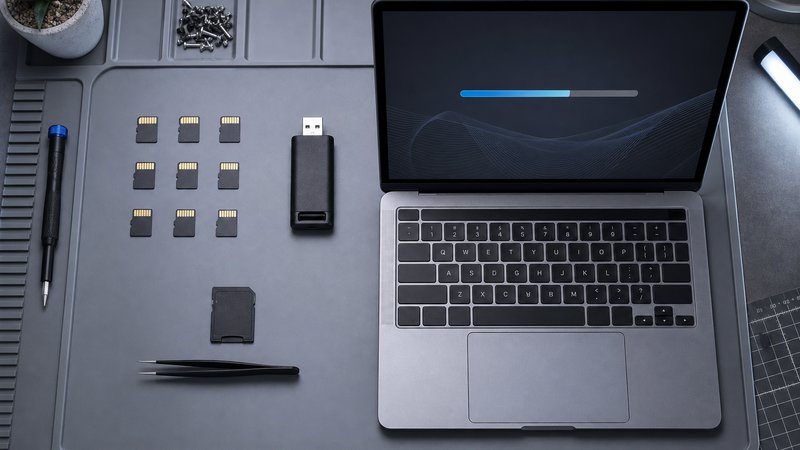
Formatting, FAT32, and dual-slot setups
Most Linux-based handheld firmware expects FAT32, while Android handhelds want exFAT. FAT32 caps individual files at 4GB, which still covers nearly every ROM through the PS1 era.
The FAT32 requirement trips up Windows users first. Windows' built-in formatter refuses to create FAT32 partitions larger than 32GB, offering only exFAT and NTFS. The free SD Card Formatter utility from the SD Association handles large FAT32 volumes properly, and Mac users can pick MS-DOS (FAT) in Disk Utility. Format first, then load firmware, then games. The Miyoo Mini Plus setup guide walks through the full OnionOS version of that process step by step.
Dual-slot devices simplify life further. Handhelds like the Anbernic RG35XX SP offer two microSD slots, one for the operating system and one for games. The firmware flashing process formats the OS card itself, so that card should never be reformatted by hand. The second card holds the library, which means firmware updates never touch the games. A smaller card in slot one and a big library card in slot two is the standard community arrangement.
Android handhelds skip all of this. The device formats its card as exFAT on insertion, and the 4GB file limit disappears. That is why multi-gigabyte PS2 images live comfortably on Android devices and not on FAT32 Linux handhelds.
Which card should you actually buy?
Buy the Samsung EVO Select 256GB if unsure, at around $20. Buy the SanDisk Ultra 64GB for a budget PS1-class device. Buy the PRO Plus or Extreme only when PS2, GameCube, or a giant one-card library is the plan.
A simpler way to frame it: the card should match the newest console the device can genuinely play. A Miyoo Mini Plus never needs more than the Ultra. A Retroid-class Android handheld justifies the PRO Plus. A one-card-for-everything build on premium hardware is the only honest case for the big Extreme. Whatever the pick, the two rules that never change are boring ones. Buy from a first-party seller, and run a full-capacity test before loading a single game.
Storage is the cheapest part of this hobby, and the part most likely to erase hours of progress when ignored. The Man Talk retro handhelds section tracks device guides and accessory picks as they publish. The about page explains how recommendations get made here, including why no hands-on claims appear without basis.
Frequently asked questions
What does the A1 rating on a microSD card mean?
A1 is an Application Performance Class rating defined by the SD Association. It guarantees a minimum of 1,500 random read and 500 random write operations per second. That floor keeps operating systems, game menus, and save states responsive. A2 raises the minimums to 4,000 and 2,000.
What size microSD card does a retro handheld need?
64GB comfortably holds a library through PS1 on budget devices like the Miyoo Mini Plus. 128GB adds PSP, N64, and Dreamcast. 256GB is the sweet spot for broad multi-system libraries with box art. Sizes of 512GB and up only matter once PS2 and GameCube files enter the picture.
How can you tell if a microSD card is counterfeit?
Test it before loading games. H2testw on Windows, or F3 on Mac and Linux, writes data across the full stated capacity and reads it back. A faked card fails once its real storage runs out. The test takes roughly 20 to 40 minutes for a 256GB card.
Why do retro handhelds need FAT32 formatting?
Linux-based custom firmware such as OnionOS, MuOS, and ArkOS reads FAT32 reliably, so most budget handhelds expect it. FAT32 caps single files at 4GB, which still covers nearly all ROMs through PS1. Android handhelds use exFAT instead, which removes that file size limit.