Man Talk may earn a commission when you buy through links on this page. That never changes what gets recommended, and it never changes the price you pay.
Best Handhelds for PS1 Emulation
The best handheld for PS1 emulation is the Miyoo Mini Plus (around $65) for pocket play at native resolution. The R36S (around $45) is the cheapest pick with the analog sticks some PS1 games require. The TrimUI Smart Pro (around $60) pairs full-speed PS1 with a 4.96-inch screen. Above $110, the Retroid Pocket line runs DuckStation on Android, adding upscaling and geometry correction. PS1 games rendered at roughly 320×240, so even cheap modern chips run them at full speed. That makes the PS1 the sweet spot of budget emulation. The real differences between devices come down to screens, analog sticks, and enhancement support. This guide compares seven devices on those points, using published specs and documented community testing rather than marketing copy. It also covers the practical questions: memory cards, save states, multi-disc games, and BIOS files. Some picks here overlap with the under-$100 roundup, but the ranking changes when PS1 is the whole point. By the end, the right device for your library and budget should be obvious.
The picks at a glance
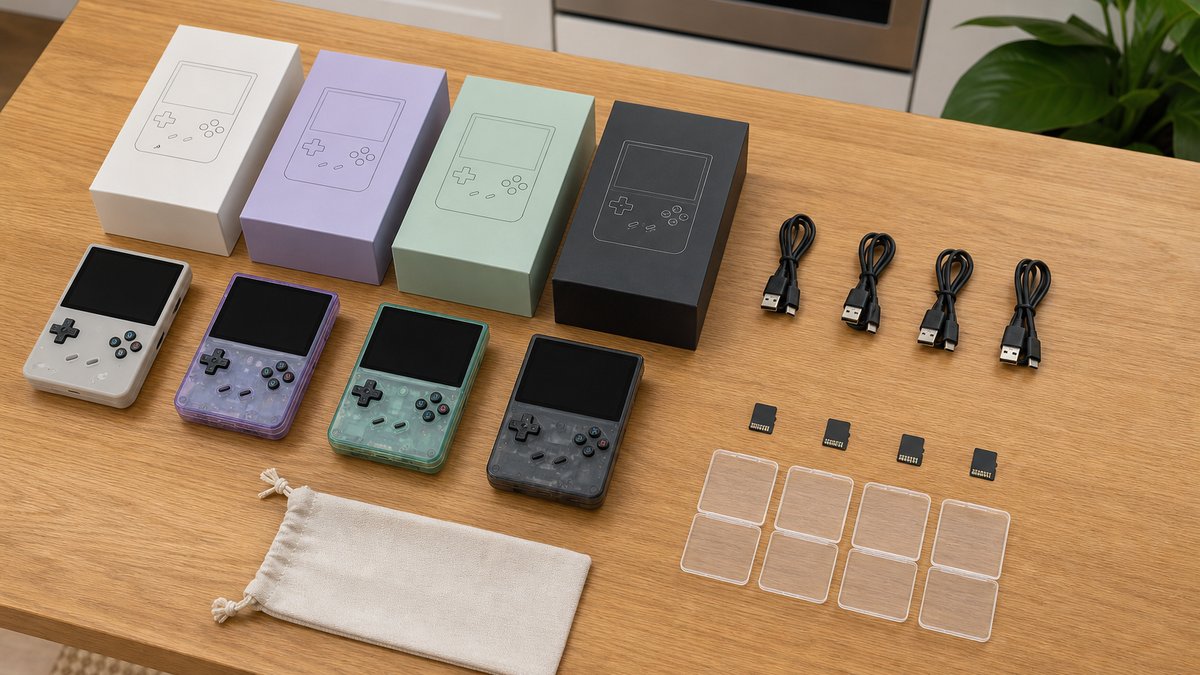
Seven devices cover PS1 emulation well in 2026. Six run the library at full speed at native resolution: Miyoo Mini Plus, R36S, RG35XX H, RG35XX SP, RG40XX H, and TrimUI Smart Pro. The Retroid Pocket line adds upscaling for more money.
| Device | Typical price | PS1 performance | Analog sticks | Enhancement |
|---|---|---|---|---|
| R36S | ~$45 | Full speed, native | Dual | None |
| TrimUI Smart Pro | ~$60 | Full speed, native | Dual | None |
| Miyoo Mini Plus | ~$65 | Full speed, native | None | None |
| Anbernic RG35XX H | ~$73 | Full speed, native | Dual | None |
| Anbernic RG35XX SP | ~$75 | Full speed, native | None | None |
| Anbernic RG40XX H | ~$85 | Full speed, native | Dual | None |
| Retroid Pocket line | ~$110+ | Full speed, enhanced | Dual | Upscaling + PGXP |
Prices shift week to week on these devices, sometimes by $10 or more, so treat the figures as typical street prices. No hands-on testing claims appear in this guide. Performance notes come from published specifications and documented owner reports in communities like r/SBCGaming. The staff behind Man Talk bring more than 35 years of combined video game experience to these picks.
The library rewards the effort. The PS1 saw well over a thousand North American releases, spanning genres that still hold up. Fighters, RPGs, survival horror, and arcade racers all had defining entries on the console. A $45 device carrying that whole catalog is the entire appeal of this niche.
What PS1 emulation needs from a handheld
PS1 emulation needs surprisingly little processing power. The console output games at roughly 320×240, and emulators have run it well for two decades. Budget Linux handhelds use PCSX ReARMed at native resolution. Android devices with stronger chips run DuckStation, which adds upscaling, geometry correction, and widescreen patches.
PCSX ReARMed is a fork of the old PCSX emulator, rebuilt for ARM processors. It ships as the default PS1 option on community firmware like OnionOS, MuOS, ArkOS, and Knulli. On those systems it plays essentially the whole library at full speed. Upscaling tops out around 2x at best, and most budget devices simply run native resolution.
DuckStation is the stronger emulator, and it needs Android or a desktop to run. It raises internal resolution up to 16x native, applies PGXP geometry correction, and patches hundreds of games to widescreen. Those features ask for a faster chip, which is why they live in the $110-and-up tier.
| Feature | PCSX ReARMed | DuckStation |
|---|---|---|
| Runs on | Linux custom firmware | Android, PC, Mac |
| Upscaling | Limited (~2x max) | Up to 16x internal |
| PGXP correction | Partial | Full |
| Widescreen patches | No | Yes, hundreds of games |
| Typical device | $45 to $85 handhelds | $110+ Android handhelds |
Both emulators carry quality-of-life features the original console never had. Fast forward chews through random battles and load screens. Rewind undoes a missed jump within seconds. Cheat support and per-game option profiles are standard as well. These features work even on the $45 tier, which is worth remembering. The real gap between cheap and expensive devices is visual, not functional.
One requirement applies everywhere: a PS1 BIOS file improves compatibility, and some games refuse to boot without one. The scph5501.bin North American BIOS is the most commonly used. DuckStation includes a built-in substitute that handles most titles. The clean legal route is dumping the BIOS from a console you own; no download links appear here by policy.
Why do PS1 games look wobbly on some emulators?
Original PS1 hardware had no z-buffer and no floating-point geometry, so textures warped and vertices jittered as the camera moved. Emulators reproduce that faithfully at native settings. PGXP correction, available in DuckStation and Beetle PSX HW, recalculates the geometry and steadies the picture. Budget Linux devices get partial support at best, which is a real argument for the Android tier.
Miyoo Mini Plus: pocket PS1 at native resolution (~$65)
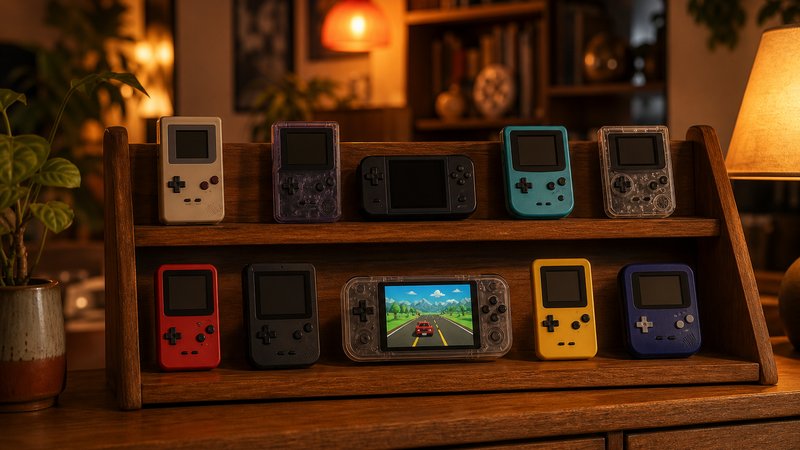
The Miyoo Mini Plus is the smallest good way to play PS1, at around $65. Its 3.5-inch, 640×480 screen is exactly double the PS1's 320×240 output, so games scale cleanly with no blur.
OnionOS, the community firmware built for Miyoo hardware, remains the most polished software experience on any budget handheld. Community compatibility reports put roughly 95 percent of the PS1 library at full speed on it. Save states, per-game settings, and box art all work with minimal setup.
The limits are clear. There are no analog sticks, so dual-analog titles like Ape Escape are off the table. There is no HDMI out and no Bluetooth. The 3000mAh battery runs roughly 4 to 6 hours. For turn-based RPGs, platformers, and fighters in an actual pocket, nothing at this price is more pleasant.
R36S: the $45 entry with dual sticks
The R36S is the cheapest credible handheld for PS1 emulation, at around $45. Its RK3326 chip runs PS1 at full speed, and it carries the dual analog sticks the Miyoo lacks.
Those sticks matter for PS1 specifically. Later library standouts assumed a DualShock, and a few require one outright. The firmware of choice is ArkOS, which replaces a rough stock interface. The 3.5-inch, 640×480 IPS panel matches the class standard, so PS1 scales as cleanly here as on the Miyoo.
The catch is the clone problem. The R36S is copied relentlessly, and lookalike listings ship inferior screens and flaky storage. Buying from an established seller with recent positive reviews is the practical defense. Build quality is fair rather than impressive, which is the honest price of $45.
The Anbernic RG35XX H, SP, and RG40XX H ($73 to $85)
Anbernic's RG35XX H, RG35XX SP, and RG40XX H all run PS1 at full speed on the same Allwinner H700 chip. The differences are shape: horizontal with sticks, clamshell, and large-screen horizontal, at roughly $73, $75, and $85.
The H700 pairs four Cortex-A53 cores with 1GB of LPDDR4 memory, which is comfortable headroom for PS1. Firmware support is strong, with MuOS and Knulli both active across the line.
The RG35XX H is the pick for flexibility. It has dual analog sticks and mini-HDMI out, so PS1 on a TV is a real option. The RG35XX SP folds shut like a Game Boy Advance SP and protects its screen in a bag. Its known weakness is stiff L2 and R2 shoulder buttons, a repeated note in owner reviews. The SP also carries dual microSD slots, keeping the operating system apart from the game library.
The RG40XX H stretches the same formula across a 4-inch, 640×480 panel with a 5000mAh battery. For text-heavy RPGs, the extra screen area earns its bulk. Any of the three is a safe buy; the choice is purely about form factor.
TrimUI Smart Pro: the big-screen budget pick (~$60)
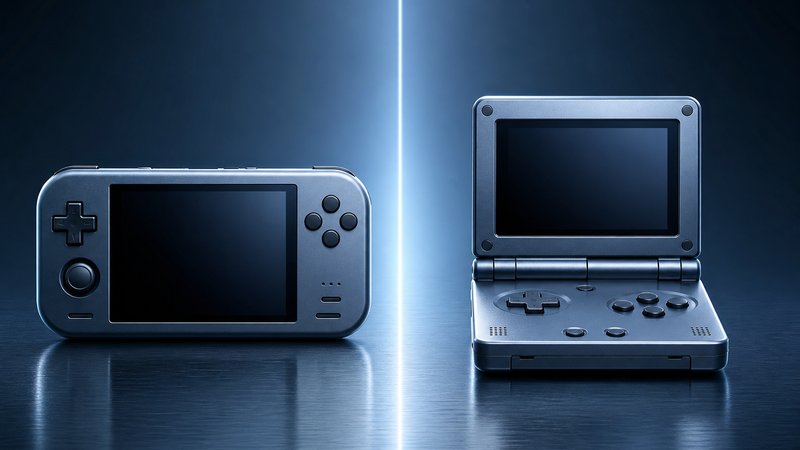
The TrimUI Smart Pro puts a 4.96-inch, 1280×720 screen on a full-speed PS1 handheld for about $60. No other device near this price offers that much display.
The panel is the story. PS1 games at native resolution still look clean stretched across it, and 2D-era titles look excellent. Dual analog sticks cover the DualShock library. CrossMix OS gives it an active community firmware with sensible defaults.
Two caveats apply. The 16:9 panel means 4:3 PS1 games sit between black bars, which bothers some buyers and not others. And the Linux software stack means no real upscaling, despite a screen large enough to show it. Buyers who want the enhanced look should shop one tier up.
Retroid Pocket and the upscaling tier ($110 and up)
The Retroid Pocket line is where PS1 emulation gets enhancements. These Android handhelds run DuckStation with upscaling, PGXP correction, and widescreen patches, at prices from roughly $110 to $220.
Snapdragon-class chips carry DuckStation at 4x internal resolution or higher without strain. At 4x, PS1 3D output reaches 960p-class clarity, and PGXP steadies the geometry on top. The result reads closer to a remaster than to 1997 hardware.
Model choice is simple. The Retroid Pocket Classic keeps a near-4:3 display that suits PS1's native shape, at around $110. The Retroid Pocket 5 steps up to a 5.5-inch AMOLED and a Snapdragon 865 for around $220. Both are overkill for PS1 alone, and both open the door to PS2 and GameCube later.
A cheaper route exists. The Anbernic RG353V, around $90, dual-boots Linux and Android, so DuckStation runs on it with modest settings. It sits awkwardly between tiers, but it is the least expensive path to PGXP and upscaling.
One honest limit: upscaling sharpens 3D models only. Pre-rendered backgrounds in games like Final Fantasy VII stay at their original resolution, so characters can look crisper than the world behind them.
Memory cards, save states, and multi-disc games
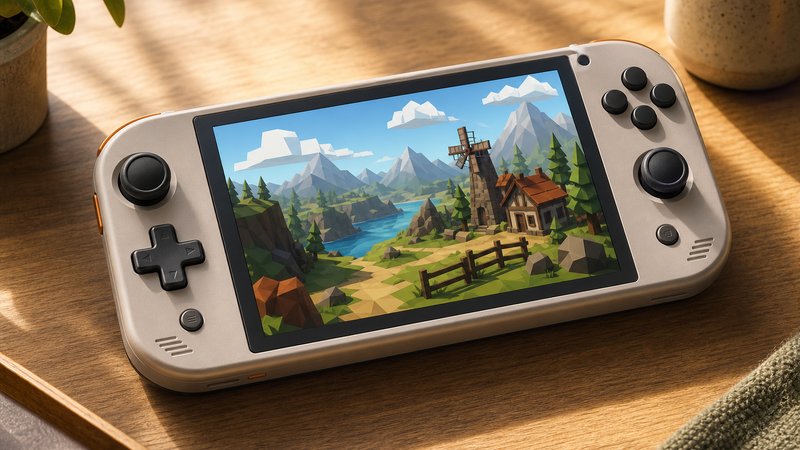
Emulators handle PS1 saves with virtual memory cards, which are small files on the microSD card. Save states add a second system that freezes the game at any moment. Multi-disc games work through playlist files that let the emulator swap discs.
The original PS1 memory card held 128KB across 15 blocks, and some games demanded multiple blocks per save. Emulation removes the scarcity. Most firmware assigns each game its own virtual card, so block juggling is gone. In-game saving then works exactly as the game expects.
Save states are the bigger habit change. They snapshot everything instantly, which suits short commute sessions. The standard advice is to keep using in-game saves as the permanent record. A save state made mid-battle can strand you if the state file corrupts.
Multi-disc RPGs need one extra step. Final Fantasy VII shipped on three discs, and an .m3u playlist file lets the emulator present them as one game. Compressed .chd disc images are worth adopting too. The format often shrinks a PS1 image by a third or more without hurting performance.
Saves also travel well. Virtual memory card files use common formats, so a library can move from an R36S to a Retroid later. Copy the saves folder along with the games and progress comes along. Owners upgrading devices report this working across firmware families with little fuss.
Back saves up occasionally. Corrupted microSD cards are the most reported failure in owner communities, and a $14 SanDisk A1 card plus a monthly copy prevents the loss.
Buying checklist for a PS1 handheld
Five checks separate a good order from a return: analog sticks, screen shape, firmware support, storage quality, and seller reputation.
- Analog sticks. Skip stick-free devices if your list includes Ape Escape or late-era games built around the DualShock. The Miyoo Mini Plus and RG35XX SP are the two stickless picks here.
- Screen shape. A 4:3-friendly 640×480 panel scales PS1 perfectly. A 16:9 panel means bars or stretching; decide which you can live with.
- Firmware support. Confirm an active community project for the exact model: OnionOS for Miyoo, ArkOS for the R36S, MuOS or Knulli for Anbernic, CrossMix for TrimUI.
- Storage quality. Format or replace any preloaded card. A name-brand A1-rated microSD keeps menus and save states responsive and cuts corruption risk.
- Seller reputation. The R36S clone problem is real, and quiet hardware revisions happen across brands. Recent reviews beat old ones.
Which handheld for PS1 emulation should you buy?
Buy the Miyoo Mini Plus for pocket play, the R36S for the tightest budget, and the TrimUI Smart Pro for the biggest cheap screen. Buy an Anbernic for build variety, and a Retroid Pocket when upscaling matters.
A simpler test: decide whether native resolution is enough. On a 3.5-inch screen, native PS1 looks better than its reputation suggests. If screenshots of PGXP-corrected, 4x-upscaled games make native look broken to you, skip the budget tier and buy once.
Budget also sets expectations for extras. Under $70, expect light plastic shells and modest speakers. The $73 to $85 Anbernic tier improves fit and finish without changing PS1 performance at all. Above $110, build quality, screens, and the emulation ceiling step up together.
Which PS1 games actually need analog sticks?
Ape Escape is the famous case; it shipped in 1999 as the first PS1 game to require a DualShock. Late-era standouts like Gran Turismo 2 and Ace Combat 3 play far better on sticks, though they accept the d-pad. Menu-driven RPGs, fighters, and 2D platformers never notice. Match the hardware to the top ten games you actually plan to play.
Is upscaling worth paying more for?
For 3D-heavy libraries, yes. Racing games, flight games, and action titles gain real clarity from 4x resolution and PGXP. For 2D games and sprite-based RPGs, the budget tier already shows them at their best. The honest math: a $65 device covers most libraries, and the $110-plus tier is for people who know they want the enhanced look.
The retro handheld market moves quickly, and PS1 is only one part of it. The Man Talk retro handhelds section tracks new releases and follow-up guides as they publish. The under-$100 roundup covers this tier with a wider lens, and the Game Boy and GBA guide handles the 2D side. The about page explains how recommendations get made here. Manufacturer spec sheets for the RG35XX and RG40XX line are published at Anbernic's official site.
Frequently asked questions
Can a $50 handheld really run the whole PS1 library?
Very nearly. Community compatibility reports put budget devices like the R36S and Miyoo Mini Plus at full speed for the vast majority of PS1 titles. A handful of demanding or quirky games need per-game tweaks. Dual-analog requirements are the bigger filter, since some devices lack sticks entirely.
Do PS1 emulators need a BIOS file?
Mostly yes. PCSX ReARMed and Beetle PSX expect a real PS1 BIOS for reliable compatibility. DuckStation includes a built-in substitute that boots most games, though a real dump remains more accurate. The legal route is dumping the BIOS from a PlayStation you own rather than downloading one.
What is PGXP and which handhelds support it?
PGXP is a geometry correction feature that fixes the wobbling textures and jittery polygons PS1 hardware produced. DuckStation and Beetle PSX HW support it fully. That limits it to Android-capable devices like the Retroid Pocket line and the RG353V. Budget Linux handhelds get partial support at best.
How do saves work without a real memory card?
Emulators create virtual memory card files on the microSD card, so in-game saving works exactly as it did on the console. Save states add a second layer that freezes the game anywhere. Back both up occasionally, because a corrupted microSD card takes every save with it.