Man Talk may earn a commission when you buy through links on this page. That never changes what gets recommended, and it never changes the price you pay.
Best Handhelds for Game Boy and GBA Emulation
The best handheld for GBA emulation in 2026 is the Anbernic RG34XX, at around $60. Its 720×480 screen shows Game Boy Advance games at a perfect 3x scale, edge to edge, with no borders. The TrimUI Brick (around $80) is the sharper all-rounder, and the RG34XX SP (around $70) wraps the same screen in a protective clamshell. Players with real cartridges should look at the Analogue Pocket, the premium FPGA option at roughly $240. Screen math drives every one of those picks. The GBA renders at 240×160, an odd 3:2 shape that most handheld displays cannot multiply cleanly. The original Game Boy uses 160×144, which is odder still. A mismatched screen means blurry pixels or thick black bars, and no processor upgrade fixes that. This guide compares the devices that get the math right, from $60 emulation machines to $299 cartridge players. The recommendations rest on published specifications and documented community consensus, not marketing claims. By the end, the right screen for your Game Boy library will be obvious.
The picks at a glance
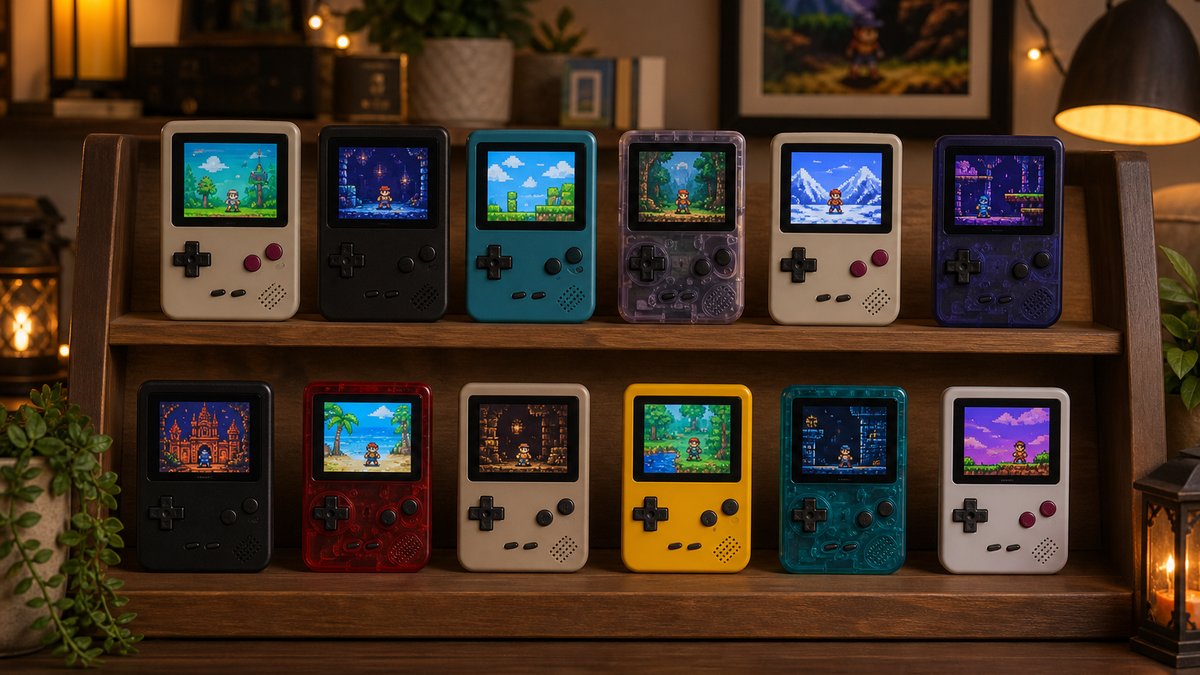
Six devices stand out for Game Boy and GBA emulation in 2026. The Anbernic RG34XX, RG34XX SP, TrimUI Brick, and Miyoo Mini Plus cover the budget tier. The Analogue Pocket and ModRetro Chromatic cover the premium cartridge tier.
| Device | Typical price | Screen | GBA result | Type |
|---|---|---|---|---|
| Anbernic RG34XX | ~$60 | 3.4" IPS, 720×480 (3:2) | Perfect 3x, fullscreen | Emulation |
| Anbernic RG34XX SP | ~$70 | 3.4" IPS, 720×480 (3:2) | Perfect 3x, fullscreen | Emulation, clamshell |
| TrimUI Brick | ~$80 | 3.2" IPS, 1024×768 | 4x with thin borders | Emulation |
| Miyoo Mini Plus | ~$65 | 3.5" IPS, 640×480 | 2x with large borders | Emulation |
| Analogue Pocket | ~$240 | 3.5" LCD, 1600×1440 | Fullscreen, 615 PPI | FPGA, real carts |
| ModRetro Chromatic | $199–$299 | 2.56" LCD, 160×144 | No GBA support | FPGA, GB/GBC carts |
Prices on budget handhelds move week to week, sometimes by $10 or more. Treat every number above as a typical street price, not a guarantee. The two FPGA devices hold steadier retail pricing than the emulation crowd. The staff behind Man Talk bring more than 35 years of combined video game experience to these picks.
How these picks were chosen
Every pick had to clear three tests. The tests: a screen that scales Nintendo's portable resolutions cleanly, active firmware support, and a documented track record in community reviews. Man Talk built this list from published specifications and the consensus of the r/SBCGaming community and specialist outlets, not paid placements.
Screen math got the heaviest weighting, because it is the one spec no update can patch. A weak chip can be tuned and clunky software can be replaced. A panel that cannot multiply 240×160 evenly stays that way forever. No first-person testing claims appear here. Where a judgment call was needed, this guide sides with documented owner reports over manufacturer copy.
Why screen shape decides everything
The GBA draws 240×160 pixels in a 3:2 shape, and the original Game Boy draws 160×144. A handheld shows those games cleanly only when its screen multiplies those numbers evenly.
Most retro handhelds use 4:3 screens, because most retro consoles targeted 4:3 televisions. Nintendo's portables ignored that convention. The GBA's 3:2 ratio and the Game Boy's 10:9 ratio both fit awkwardly on standard panels. That mismatch, not processing power, separates a great GBA handheld from a mediocre one. Any budget chip made in the past five years runs GBA games at full speed. The screen is where the money should go.
What does integer scaling actually mean?
Integer scaling multiplies every original pixel by a whole number: 2x, 3x, 4x. Each source pixel becomes a perfect square block, and the art looks exactly as the developers drew it. Non-integer scaling, such as 2.7x, forces some pixels to render wider than their neighbors. The result is shimmer during scrolling and pixel art that looks subtly wrong. On low-density screens the difference is obvious within seconds of play. Sharpness in this hobby is decided by multiplication, not by marketing.
Screen size and screen quality are separate questions. A large panel at the wrong ratio still shows GBA games in a letterboxed window. A smaller panel at 3:2 shows them bigger in practice, because every pixel of the display gets used. Judge these devices by usable image area, not by the diagonal on the box.
| Screen resolution | Found on | GBA (240×160) | Game Boy (160×144) |
|---|---|---|---|
| 640×480 | Miyoo Mini Plus, RG35XX SP | 2x, small window | 3x, near fullscreen |
| 720×480 (3:2) | RG34XX, RG34XX SP | 3x, fills the screen | 3x with side borders |
| 1024×768 | TrimUI Brick | 4x, thin borders | 5x, thin borders |
| 1600×1440 | Analogue Pocket | Fullscreen, artifacts invisible | Perfect 10x |
One screen in this table sidesteps the math entirely. The Analogue Pocket packs 615 pixels per inch, so scaling errors shrink below what the eye can resolve. Every other panel lives or dies by whole numbers.
Anbernic RG34XX: built for GBA (~$60)
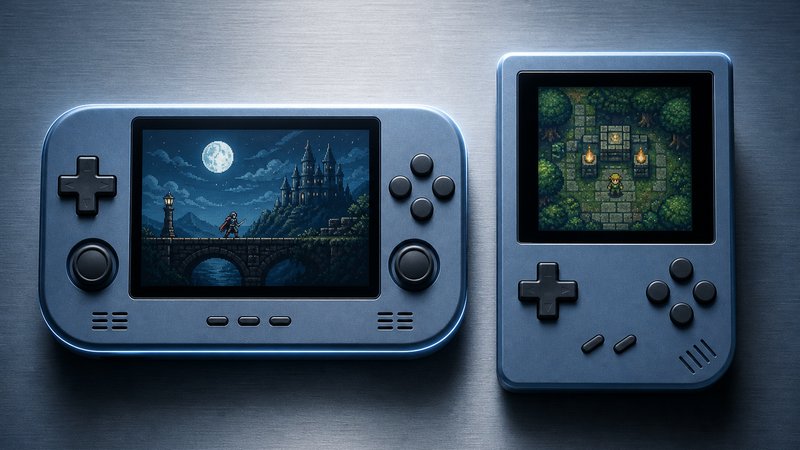
The Anbernic RG34XX is the best handheld for GBA emulation on a budget, at around $60. Its 3.4-inch 720×480 panel is an exact 3x multiple of the GBA's 240×160 output.
GBA games fill this screen corner to corner with zero borders and zero distortion. No other budget device manages that. The horizontal shell copies the original GBA layout, with the screen centered between the controls. Inside sits the Allwinner H700, the same proven chip that powers Anbernic's RG35XX line.
That chip handles everything from Game Boy through PS1 cleanly, per community compatibility reports. Firmware support is strong, with MuOS and Knulli both active on the device. The stock software works, but the community projects run smoother and scale more accurately.
The trade-offs follow the shape. There are no analog sticks, so N64 and PSP are impractical here. And 4:3 consoles such as the SNES sit inside side borders on the wider 3:2 panel. Buyers wanting one device for every system should weigh that against the RG35XX family. Buyers who mainly want Nintendo's portables should not think twice.
Anbernic RG34XX SP: the clamshell version (~$70)
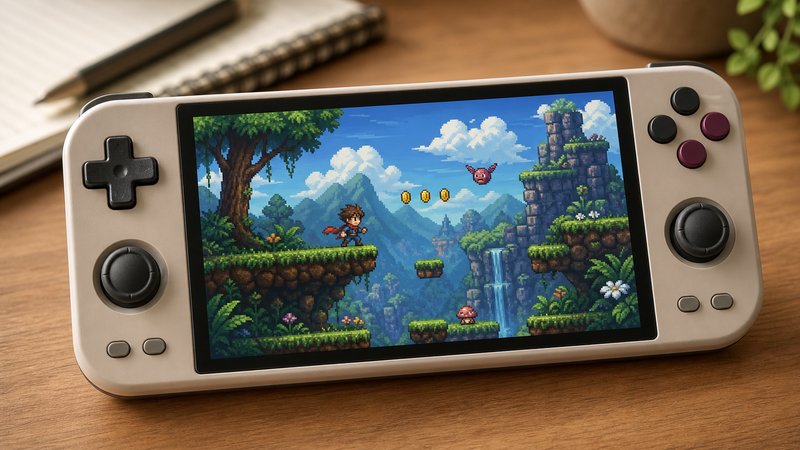
The Anbernic RG34XX SP folds the same GBA-perfect 720×480 screen into a clamshell, at around $70. It is the closest thing on sale to a modern Game Boy Advance SP.
The hinge protects the screen in a pocket or bag, so no case or screen protector is needed. A 3300mAh battery, WiFi, and Bluetooth round out the spec sheet. The device launched at $67.99 with a 64GB card included, and street prices have dipped lower since.
Performance matches the flat RG34XX, since both share the H700 chip. The choice between them is purely mechanical. The flat model is slimmer and faster to pick up for a two-minute session. The clamshell survives keys, coins, and commutes without a scratch. Nostalgia usually settles it, because the SP shape triggers memories the flat shell cannot.
TrimUI Brick: the sharpness pick (~$80)
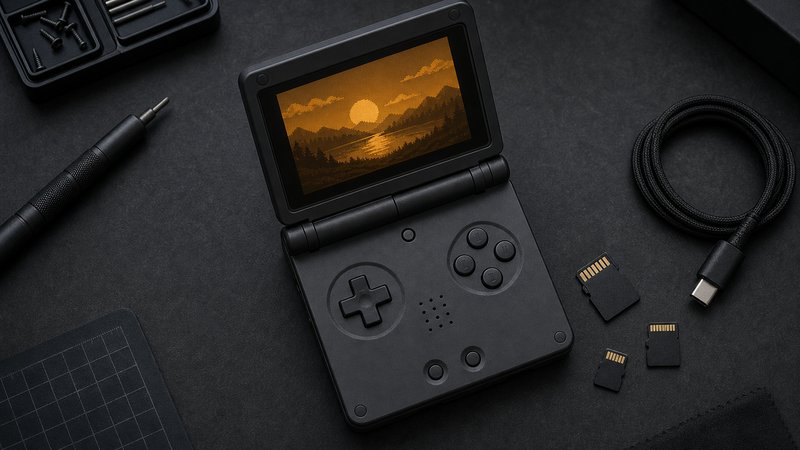
The TrimUI Brick is the sharpest budget option, at around $80. Its 3.2-inch 1024×768 panel runs GBA at a 4x integer scale and Game Boy at 5x, at nearly 400 pixels per inch.
That density puts it far ahead of the 640×480 class for pixel art. Game Boy games at 5x occupy 800×720 of the panel, with only thin borders. GBA at 4x fills 960×640, again with slim margins. Owners consistently praise the clicky, precise buttons, and CrossMix OS gives the device polished community firmware.
Bluetooth and 5GHz WiFi are built in. Two caveats repeat across owner threads. The device runs warm during long sessions, and the 3.2-inch panel makes menu-heavy RPGs feel cramped. The GBA image also ends up physically smaller than on the RG34XX, since the borders eat part of an already small screen. For pure image quality per dollar, though, nothing under $100 beats it.
The Brick is also the strongest all-rounder of the budget four. Its higher-resolution panel flatters SNES and Genesis libraries, and Nintendo DS is usable in single-screen layouts. Anyone splitting time between Game Boy titles and 16-bit consoles gets the most flexibility here. The RG34XX remains the better pure GBA machine, but the gap is narrow.
Miyoo Mini Plus and RG35XX SP: the Game Boy specialists
The Miyoo Mini Plus (around $65) and Anbernic RG35XX SP (around $75) are stronger Game Boy machines than GBA machines. Their 640×480 screens show GB and GBC at a near-fullscreen 3x scale but manage only 2x for GBA.
For original Game Boy and Game Boy Color libraries, both are excellent. A 3x image at 480×432 fills most of the 4:3 panel. OnionOS on the Miyoo is widely considered the most polished budget firmware anywhere, and the Miyoo remains the most pocketable device in this guide. The RG35XX SP adds a folding shell and dual microSD slots.
GBA is where the compromise bites. At 2x the image occupies 480×320, a small window floating inside the screen. Stretching to fill instead produces the non-integer shimmer described earlier. Neither outcome ruins the games, but neither matches a $60 RG34XX. The RG35XX SP shares the limit, which is ironic for a device styled after the GBA SP.
Both remain top picks in the wider budget class, where GBA is one system among many. The Man Talk guide to the best retro gaming handhelds under $100 covers them in that context.
The premium tier: Analogue Pocket and ModRetro Chromatic
The Analogue Pocket, at roughly $240, is the premium pick for people who own real cartridges. The ModRetro Chromatic, at $199 to $299, is the purist alternative for Game Boy and Game Boy Color only.
Both devices use FPGA chips that recreate Nintendo's original hardware at the circuit level rather than emulating it in software. The practical payoff is accuracy and near-zero input lag. The Pocket accepts GB, GBC, and GBA cartridges directly. Optional adapters extend it to Game Gear, Neo Geo Pocket, Atari Lynx, and TurboGrafx-16 carts. The openFPGA community adds cores for further systems, and a dock sends games to a TV.
The Pocket's 3.5-inch, 1600×1440 screen is the finest in this guide. Original Game Boy games display at a pixel-perfect 10x scale. At 615 PPI, GBA scaling artifacts become effectively invisible.
The Chromatic takes the opposite path. Its display matches the Game Boy's 160×144 resolution one to one, and it runs on AA batteries by design. The Gorilla Glass model costs $199 and the Sapphire Glass model $299. It does not play GBA cartridges at all, which rules it out for half of this guide's audience.
Practical details differ as well. The Pocket charges over USB-C like any modern device. The Chromatic's AA cells sound dated, but they swap in seconds on a long trip. Rechargeable AA sets close most of the convenience gap.
Is an FPGA handheld worth three times the price?
Only when a cartridge collection justifies it. Someone with a drawer of original carts gets authenticity and latency no software emulator fully matches. Someone whose library is ROM files gains little, because a $60 RG34XX plays those files superbly. The honest test is simple. Count your cartridges before spending $240.
Setup essentials for a Game Boy library
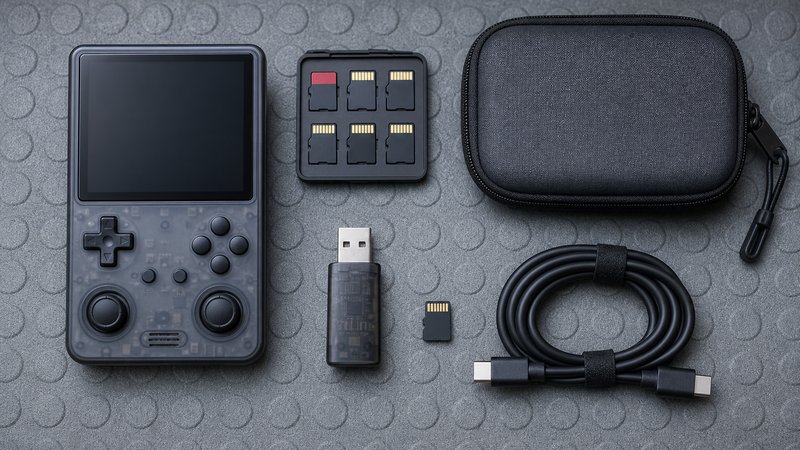
Five steps turn any emulation handheld into a proper Game Boy machine. They cover storage, firmware, scaling settings, color correction, and where the games come from.
- Replace the microSD card. Preloaded no-name cards are the most reported failure point in owner communities. A SanDisk or Samsung card with an A1 rating costs $12 to $20 and ends the problem.
- Install community firmware. That means MuOS or Knulli for Anbernic devices, CrossMix OS for the TrimUI Brick, and OnionOS for the Miyoo Mini Plus. FPGA devices need none.
- Turn on integer scaling. Most firmware ships with fill-the-screen stretching enabled by default. One settings toggle restores clean whole-number scaling.
- Enable GBA color correction. GBA games were drawn oversaturated to compensate for the console's dim, unlit screen. A correction shader restores the intended colors on modern backlit panels.
- Source games legally. Backing up cartridges you own is widely treated as personal fair use. Downloading ROMs for games you never bought is piracy.
None of these steps demands technical skill beyond copying files to a card. Each firmware project publishes a step-by-step install guide, and setup rarely takes more than an evening.
Which handheld should you actually buy?
Buy the Anbernic RG34XX if GBA matters most and the budget is $60. Buy the TrimUI Brick for maximum sharpness, the RG34XX SP for pocket protection, and the Analogue Pocket for original cartridges.
A simpler filter: name your main library. Mostly GBA files points to the RG34XX or its clamshell twin. Mostly Game Boy and Game Boy Color points to the Miyoo Mini Plus or the TrimUI Brick. A shoebox of real cartridges points to the Pocket, or to the Chromatic for Game Boy purists. Anyone who also wants N64, Dreamcast, or PSP should shop the broader budget class instead.
Budget draws the sharpest line. Under $100, the RG34XX, RG34XX SP, TrimUI Brick, and Miyoo Mini Plus all deliver excellent Nintendo portable play. The premium tier only makes sense once original cartridges enter the picture.
Should you wait for a better GBA handheld?
No, because the GBA screen problem is already solved. A 3:2 panel at 720×480 multiplies the GBA's output perfectly, and $60 buys one today. New models land nearly every month across brands, but the sub-$100 tier improves in small steps, not leaps. A device from this list will play the same libraries just as well in three years. The one sensible reason to wait is a specific announced model fixing a specific flaw that bothers you.
Brand differences run deeper than any single model, and the Man Talk breakdown of Anbernic vs Retroid vs Miyoo maps them in full. The retro handhelds section tracks new releases and follow-up guides as they publish, and the about page explains how recommendations get made here. Current specifications for the RG34XX line are published at Anbernic's official site.
Frequently asked questions
What is the cheapest good handheld for GBA emulation?
The Anbernic RG34XX, at around $60, is the cheapest handheld built specifically for GBA. Its 720×480 screen matches the GBA's 3:2 shape exactly, so games fill the display at a clean 3x scale. Cheaper 640×480 devices work, but they show GBA games with borders or blur.
Why does a 3:2 screen matter for Game Boy Advance games?
The GBA renders at 240×160 pixels, a 3:2 aspect ratio. A 3:2 screen like the RG34XX's 720×480 panel multiplies every pixel exactly three times, filling the display edge to edge. On a 4:3 screen, GBA games either sit inside black borders or stretch with uneven, shimmering pixels.
Can these handhelds also play SNES, Genesis, and PS1?
Yes. Every emulation device in this guide runs 8-bit and 16-bit consoles and PS1 without trouble, since all use capable chipsets. The FPGA devices are the exception. The Analogue Pocket needs adapters or community cores for other systems, and the ModRetro Chromatic plays Game Boy and Game Boy Color only.
Do FPGA handhelds like the Analogue Pocket need ROM files?
No. The Analogue Pocket and ModRetro Chromatic play original cartridges directly, the same way a real Game Boy does. Slot in a cart and it runs. The Pocket can also load ROM files through community openFPGA cores, but its core appeal is hardware-accurate play from carts you already own.