Man Talk may earn a commission when you buy through links on this page. That never changes what gets recommended, and it never changes the price you pay.
How to Play Commodore 64 Games Today
The easiest way to play Commodore 64 games today is the free VICE emulator on any PC or Mac. TheC64 Mini and Maxi offer a plug-in console route for around $50 to $130. Retro gaming handhelds put the whole C64 library in a pocket for under $100. Real hardware still works too, from restored 1980s machines to the brand-new Commodore 64 Ultimate. Each path trades money for authenticity in a different way. This guide walks through all five, with real costs, setup steps, and honest drawbacks. The advice comes from staff who ran a Commodore 64, and later a 128, back when the machines were new. More than a decade of games shipped for this computer, and thousands of titles remain playable right now. Many are legally free, released by their developers or by a homebrew scene that never stopped. By the end you will know which route fits your budget, your space, and your patience. You will also know where to get games without touching a single shady download.
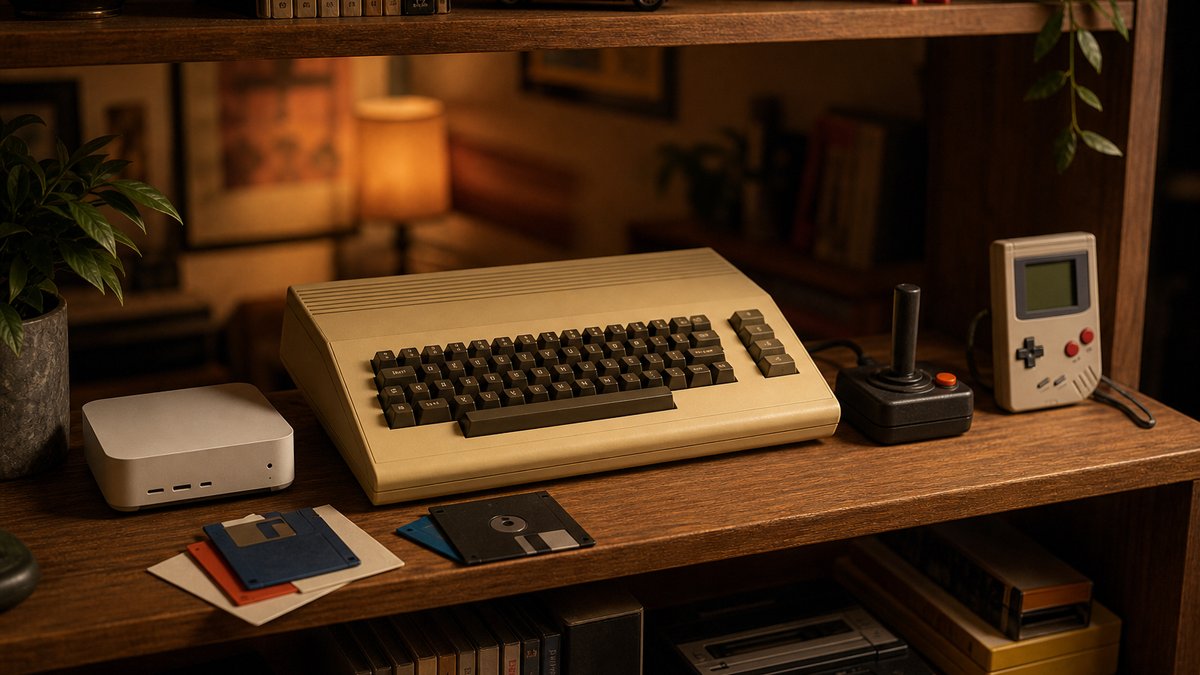
Every way to play, at a glance
Five routes cover every C64 player in 2026: free emulation with VICE, plug-and-play with TheC64 consoles, portable play on retro handhelds, restored original hardware, and new-production hardware like the Commodore 64 Ultimate. Costs run from zero to about $350, and difficulty runs from trivial to hobbyist.
| Method | Typical cost | Difficulty | Authenticity |
|---|---|---|---|
| VICE emulator (PC, Mac, Linux) | Free | Easy | High, adjustable |
| TheC64 Mini / Maxi console | ~$50 / ~$130 | Easiest | High (VICE inside) |
| Retro handheld with C64 core | $45–$100 | Moderate | High, small screen |
| Original C64 + SD card drive | $150–$400 | Hardest | Perfect |
| Commodore 64 Ultimate (new) | ~$300 | Easy | Near-perfect FPGA |
The machine earned this many revival paths. The Commodore 64 remains the best-selling single computer model ever, with lifetime sales estimated between 12.5 and 17 million units. That enormous install base is why so many machines, parts, and games survive four decades later. Prices above are typical street numbers in mid-2026 and drift week to week.
VICE: the free emulator for PC and Mac
VICE, the Versatile Commodore Emulator, is the free and fastest route. Version 3.10 shipped on December 24, 2025, with builds for Windows, Apple Silicon Macs, Intel Macs, and Linux. The same project also emulates the C128, VIC-20, PET, and Plus/4.
VICE has been in development since the 1990s and is free software under the GNU General Public License. Game files come in a handful of formats: .d64 disk images, .t64 and .tap tapes, .crt cartridges, and bare .prg programs. The emulator reads all of them. Most games start with a single drag and drop.
- Download the GTK3 build for your operating system from the official VICE site.
- Extract the archive, or install the Mac disk image, and open x64sc, the accurate C64 emulator.
- Source a legal game file in .d64, .t64, .crt, or .prg format.
- Drag the file onto the emulator window. Most games load and start on their own.
- If the screen stops at the blue READY prompt, type LOAD"*",8,1 and press Enter, then type RUN.
- Open Settings, then joystick settings, and map your controller or keyboard keys to port 2.
Two settings make a big difference. Warp mode skips the original loading waits, which once ran several minutes per game. The CRT emulation filter softens the pixels the way a period tube TV did, and many games look wrong without it. Snapshots act as save states, a mercy the original hardware never offered.
The project covers the whole Commodore family, which matters for a C64 household that grew. The x128 emulator runs Commodore 128 software, and the VIC-20 and Plus/4 get the same treatment. Older Android builds exist as well, though the desktop versions receive the real development effort.
What about playing C64 games in a browser?
Plenty of itch.io releases run straight in a browser tab, no install needed. That is the quickest possible taste of the system. Browser builds add input lag and rarely keep progress, so treat them as demos. Download the same games into VICE for the real experience.
TheC64 Mini and Maxi: plug in and go
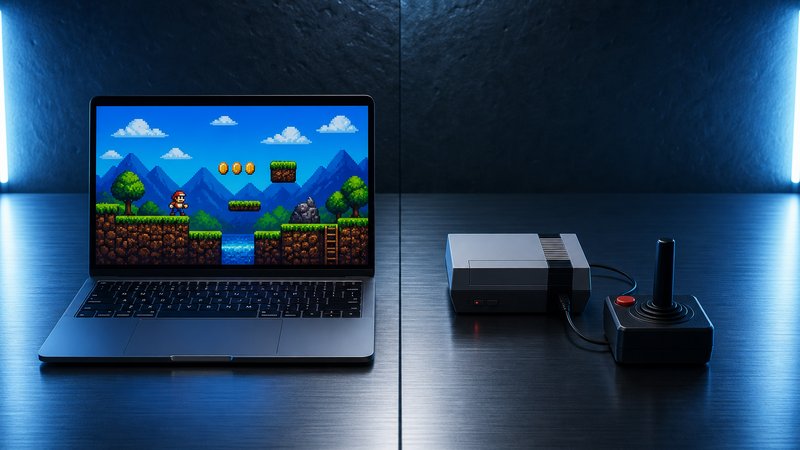
TheC64 Mini and the full-size TheC64 are licensed consoles from Retro Games Ltd. Both run VICE-based emulation, connect to a TV over HDMI, and ship with 64 licensed games built in. Uridium, Paradroid, and Nebulus headline that list.
The Mini sells for around $50 and is a shrunken display piece. Its keyboard is decorative, so text entry happens through an on-screen overlay. The bundled joystick recreates the classic microswitched arcade stick of the era. The full-size model, which the community calls the Maxi, runs around $120 to $130. Its keyboard actually types, which matters for the many C64 games that expect one. Both consoles output 720p over HDMI and offer save states on every game.
Loading extra titles beyond the built-in 64 takes a USB stick and four steps.
- Update the console firmware from the Retro Games support page first.
- Format a USB stick as FAT32.
- Copy legally sourced .d64 or .prg files onto the stick.
- Plug the stick into the console, open the media menu, and pick a file.
Firmware updates added that file loading well after launch. An out-of-the-box unit may need the update before the option appears. One more trick: both consoles read per-game control profiles from simple text files kept beside the game files. Serious owners build a small library of those profiles so every title maps to the joystick sensibly.
Retro handhelds: the C64 in your pocket
Any modern retro handheld with RetroArch support runs C64 games through the VICE x64 core. C64 emulation asks very little of current chips. Even $45 devices run the library at full speed, with save states and rewind included.
The budget devices in the Man Talk guide to the best retro gaming handhelds under $100 all qualify. The Miyoo Mini Plus, the Anbernic RG35XX SP, and their siblings each get a VICE core through custom firmware. OnionOS, MuOS, and Knulli all package it. The retro handheld custom firmware guide walks through installing those systems step by step.
One honest catch: the C64 was a computer, not a console. Thousands of its games expect a keyboard at some point, even just to press a key at a menu. Handheld firmware answers with a virtual keyboard overlay, workable but clumsy. Joystick-driven arcade ports, shooters, and platformers feel best on a handheld. Text adventures and strategy games belong on a device with real keys.
Screen size deserves a thought too. The C64 drew 320 by 200 pixels, so any modern handheld panel shows every pixel with room left over. Larger 4-inch devices make the chunky C64 text far easier to read than pocket-sized screens. Devices with four face buttons and a stick also map the era's odd control schemes more comfortably.
Can a $65 handheld really run C64 games well?
Easily. The C64's 6510 processor ran at roughly 1 MHz. The cheapest current handheld chips run thousands of times faster, with headroom to spare for accuracy features. Full-speed emulation is routine on this hardware, and battery drain stays low. For a wider look at what these devices play beyond the C64, start with the Man Talk gaming section.
Original hardware: real chips, real quirks
A working original Commodore 64 typically sells for $100 to $300 in 2026, depending on condition, region, and included accessories. An SD card drive, around $50 more, replaces fragile floppies with disk images and makes the machine practical again.
Buying real hardware is the most rewarding route and the most demanding one. Machines this old need a checkup before daily use. The original power supply is the known killer; aging units can overvolt and destroy chips that were never made again. Budget for a modern replacement supply before the first power-on.
Storage is the second problem, and modern add-ons solve it. An SD2IEC drive presents disk images from an SD card to the machine for around $50. It handles standard disk games well but trips on many fastloaders and copy-protected originals. The Ultimate-II+ cartridge costs several times more and emulates a 1541 drive at the cycle level, so nearly everything runs. Owners who still hold shelves of original disks and tapes can archive them to image files with their own hardware. That keeps a personal collection alive long after the magnetic media fades.
Is an old C64 worth fixing up?
For a tinkerer, yes. The machines were built to be serviced, socketed chips and all, and the repair community runs deep. For someone who just wants to press a button and play, no. TheC64 or an emulator delivers the games without the soldering iron. Video output is the other tax: original machines speak composite or RF, so a flat panel needs an adapter or upscaler.
The Commodore 64 Ultimate: new hardware in 2026
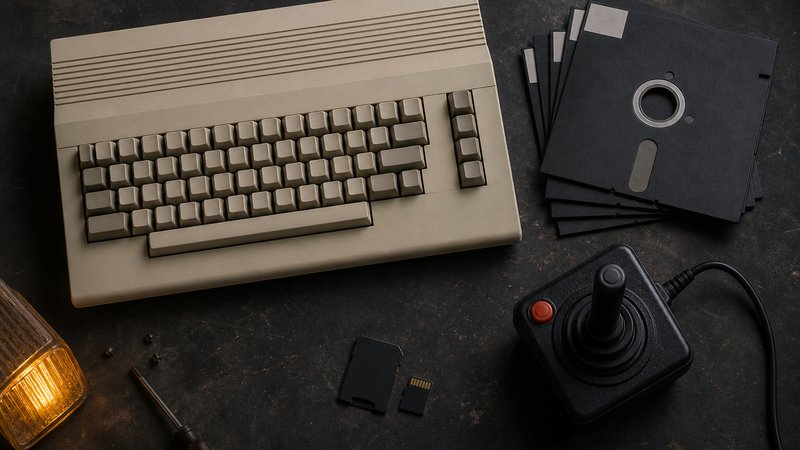
Commodore sells new hardware again. The Commodore 64 Ultimate launched at $299.99 as a full-size, full-keyboard machine. It recreates the original chips in FPGA logic, outputs HDMI, and keeps the original cartridge, joystick, and user ports.
The Commodore brand changed hands in 2025, and this machine arrived as the revival's flagship product. It builds on the Ultimate 64 board, hardware the C64 community has trusted for years. FPGA recreation means the chips behave like the originals at the electrical level, not through software approximation. Real cartridges, real joysticks, and real 1541 disk drives plug in and work. Some configurations have listed closer to $350 since launch, so check current pricing before ordering. For anyone who wants the full-size keyboard feel without 40-year-old electronics inside, this is the strongest answer yet.
Where to get C64 games legally
Hundreds of C64 games are free and legal right now. itch.io hosts an active Commodore 64 section where developers release new work as free or pay-what-you-want downloads. Classic commercial titles vary: some are shared with permission, others are still sold.
The homebrew scene never stopped. New C64 games ship every year, many with physical disk and cartridge runs that sell out. Browse the free Commodore 64 tag on itch.io and the range surprises: platformers, shooters, RPGs, and puzzlers, most published by their own coders. Rights on 1980s commercial games are messier. Some publishers and developers have given old catalogs away, while others license them to products like TheC64. The safe habit is simple: get games from the developer, a licensed release, or your own originals. The Man Talk roundup of the best Commodore 64 games notes a legal source for every pick.
The demoscene deserves a mention here as well. Coders still push this hardware with audiovisual demos, and nearly all of that work is freely published. Watching a modern demo run on 1982-class silicon explains the machine's cult following better than any history lesson.
How the Man Talk staff knows this machine
The staff behind Man Talk ran a Commodore 64 through the 1980s and a Commodore 128 after it. The 128, released in 1985, included a full C64 mode, so the same game library carried straight over.
That history shapes this guide. Memories of three-minute tape loads make warp mode feel like a superpower. Memories of a failing power supply make the modern replacement advice personal. Staff names never appear on Man Talk; experience claims stay collective, and the about page explains that policy. Decades of IT work since then cover the emulator side of the story. The nostalgia is real, and so is the troubleshooting scar tissue. The 128 earned its keep at homework time, but the games always booted in 64 mode. That machine sold the household on computers for good, and the IT careers that followed trace straight back to it.
Which way should you actually pick?
Pick VICE if the games matter more than the hardware; it costs nothing and runs on the computer already on the desk. Pick TheC64 for the living room, a handheld for the commute, and real or FPGA hardware for the full ritual.
Money frames it cleanly. Zero dollars buys the entire experience in software. Fifty buys a console, eighty buys a pocket version, three hundred buys the machine reborn in new parts. Storage never enters the math either. A .d64 disk image holds about 170KB, one side of a 1541 floppy. An entire lifetime C64 collection fits in less space than one phone photo. Start free, then spend when a specific itch stays unscratched. Most people who go deep end up with two setups: VICE for convenience and one hardware option for the shelf.
Extras that make any setup better
Three extras improve nearly every route. They are a classic-style joystick, spare storage for game files, and, for vintage machines, an upscaler for the video output. The C64 used the same 9-pin connector as the Atari 2600, so new compatible sticks still sell in 2026.
The joystick matters most. That shared 9-pin standard from the Atari era keeps new sticks and adapters in production four decades on. Modern arcade-style sticks with microswitches beat most surviving originals, whose rubber and contacts have aged badly. USB adapters bridge old sticks to emulators, and new 9-pin sticks serve real hardware and TheC64 alike.
Storage is cheap insurance. A small USB stick covers TheC64, and a spare microSD covers handhelds and SD2IEC drives. For a vintage machine on a modern panel, an upscaler cleans the composite signal into something a flat screen respects. None of this is required on day one. Start playing first, then solve the annoyance that actually shows up.
Common first-timer mistakes
Six mistakes cause most first-session frustration with C64 games. Every one is avoidable with a minute of setup knowledge, and most trace back to the machine's computer roots rather than console habits.
- Plug the joystick into port 2, not port 1. Most C64 games read port 2, and a silent controller usually means the wrong port.
- Skip the preloaded "10,000 games" sticks and cards. Those bundles are unlicensed, and half the files are broken or mislabeled dumps.
- Turn on warp mode during loads. Original drive speeds meant minutes per game; warp cuts that to seconds in VICE.
- Match the region. Many European games were coded for PAL timing and run fast or glitchy under NTSC settings, so set the machine model to match the game.
- Replace the original power supply before running vintage hardware. Aging Commodore bricks can overvolt and cook chips that no longer exist new.
- Expect keyboard prompts. Even joystick games often ask for a keypress at menus, so learn where the virtual keyboard hides on consoles and handhelds.
Frequently asked questions
What is the cheapest way to play Commodore 64 games today?
The free VICE emulator, paired with free legal games from itch.io, costs nothing at all. It runs on Windows, Mac, and Linux machines, including old ones, since C64 emulation needs little power. Version 3.10 arrived in December 2025 and remains in active development.
Are downloaded Commodore 64 games legal?
It depends on the title. New homebrew games released free by their developers, common on itch.io, are fully legal. Many 1980s commercial titles remain under copyright and are licensed or sold. Backing up disks and tapes you own is widely treated as personal fair use, though laws differ by country.
Do Commodore 64 games work on a modern TV?
Yes, with the right hardware. TheC64 consoles and the Commodore 64 Ultimate output HDMI directly and look clean on any flat panel. An original C64 outputs composite or RF, so it needs an adapter or an upscaler. Emulators simply use the computer's own display.
Can a retro handheld play Commodore 64 games?
Yes. The VICE core inside RetroArch handles the C64, and custom firmware like OnionOS, MuOS, and Knulli includes it. Joystick-driven arcade games feel best on handheld controls. Keyboard-heavy titles work through a virtual keyboard overlay, which is functional but slower than real keys.